Build a passphrase you can remember and an attacker cannot crack.
Password Security and Passphrases
Passwords are the first line of defence on your accounts. Weak and reused passwords cause most account compromises.
What Makes a Password Weak?
The worst passwords are dictionary words and names. Attackers begin with billions of known passwords harvested from previous breaches, long before they try guessing character by character.
⛔ Important
Never reuse passwords. If one site is breached, every account sharing that password is at risk. Attackers run stolen credentials against hundreds of services within minutes, a technique called credential stuffing.
Why Passphrases Work
A passphrase is a sequence of random words. It is:
- Easy to remember: your brain handles words far better than random characters
- Long: length is the single biggest factor in password strength
- Hard to crack: four random words take centuries to brute force
How to pick a good passphrase:
- Use a random word generator or dice (Diceware method)
- Avoid song lyrics, quotes, or phrases you already use
- Add a number or symbol if required by the site
- Never use personal information (your name, pet, birthdate)
The Password Manager Solution
✓ Key Point
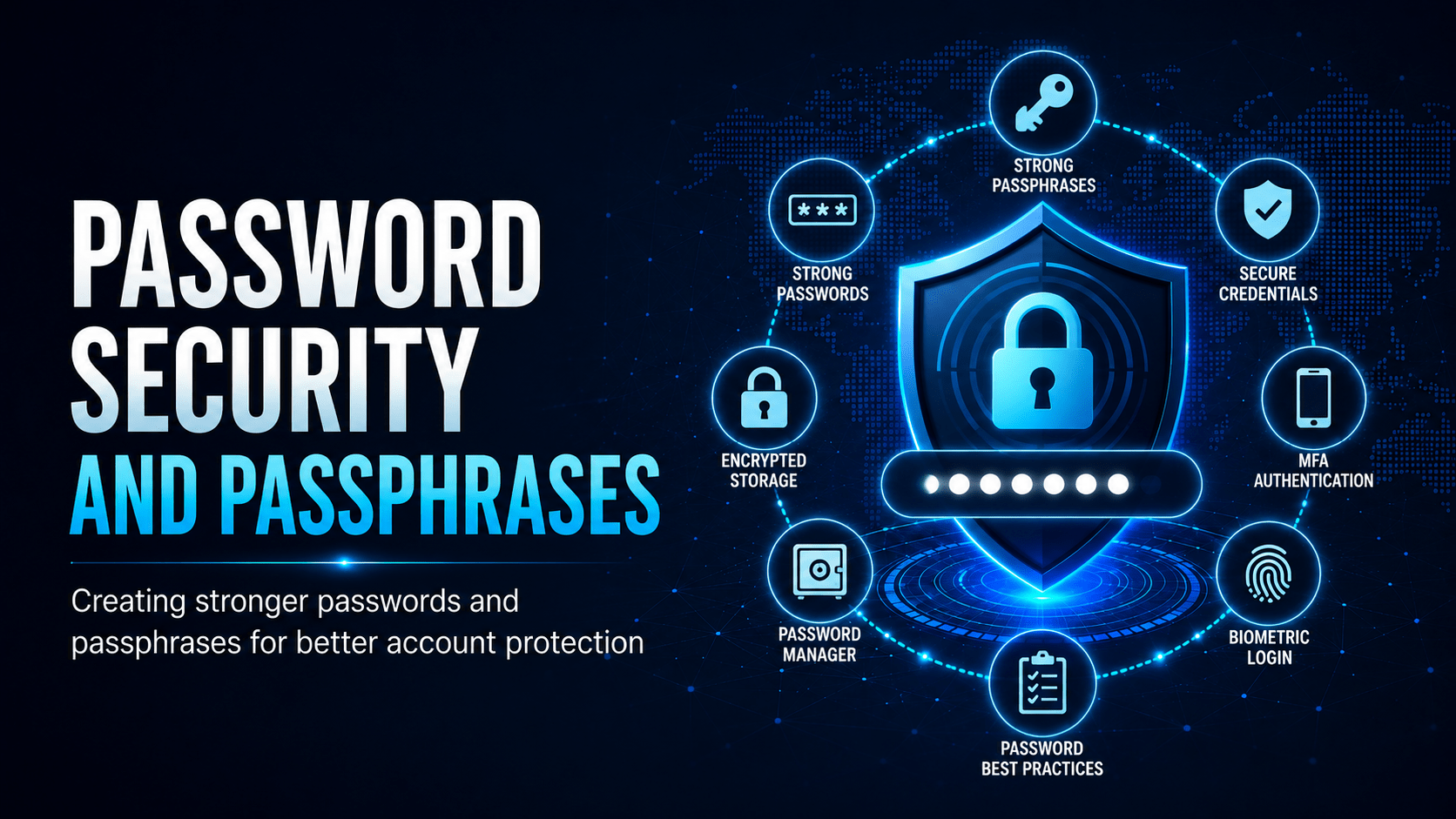
A password manager (such as Bitwarden, 1Password, or your organisation’s approved tool) generates and stores a unique password for every site. You remember one strong master passphrase and nothing else. For most people this change removes more risk than anything else on this page.
What NOT To Do
| Bad Practice | Why It’s Dangerous |
|---|---|
| Reusing passwords | One breach exposes all accounts |
| Storing passwords in a spreadsheet | Unencrypted, visible to anyone with access |
| Writing passwords on sticky notes | Physical exposure to anyone nearby |
| Using browser “remember password” without a PIN lock | Accessible to anyone who opens your browser |
| Sharing passwords with colleagues | No audit trail; can’t revoke access individually |
| Using personal info (name, dob, pet) | First things an attacker tries |
When to Change a Password
You do not need to change a strong, unique password on a schedule. That policy is outdated and pushes people towards weaker passwords (Summer2024 → Summer2025). Change your password when:
- You suspect it has been compromised
- You learn a site you use has been breached
- You have been sharing it with someone who no longer needs access
⚠ Warning
If your organisation requires regular password changes, use a password manager to generate a new random password each time. Do not increment a number at the end.
Mobile Techs IT Consulting
Still juggling passwords on sticky notes?
If one reused password could unlock your email, your banking and your business systems, that is worth fixing now. Mobile Techs IT Service rolls out a password manager and trains your team on it, turns on MFA where it counts, checks whether your staff credentials already appear in known breaches, and writes password policies people will follow. Home users welcome too, on-site or remote, anywhere in Australia.
Sort your passwords out for good Talk to us first
Call 1300 644 588 · office@mobiletechs.com.au
More on our managed IT services and remote security audit.