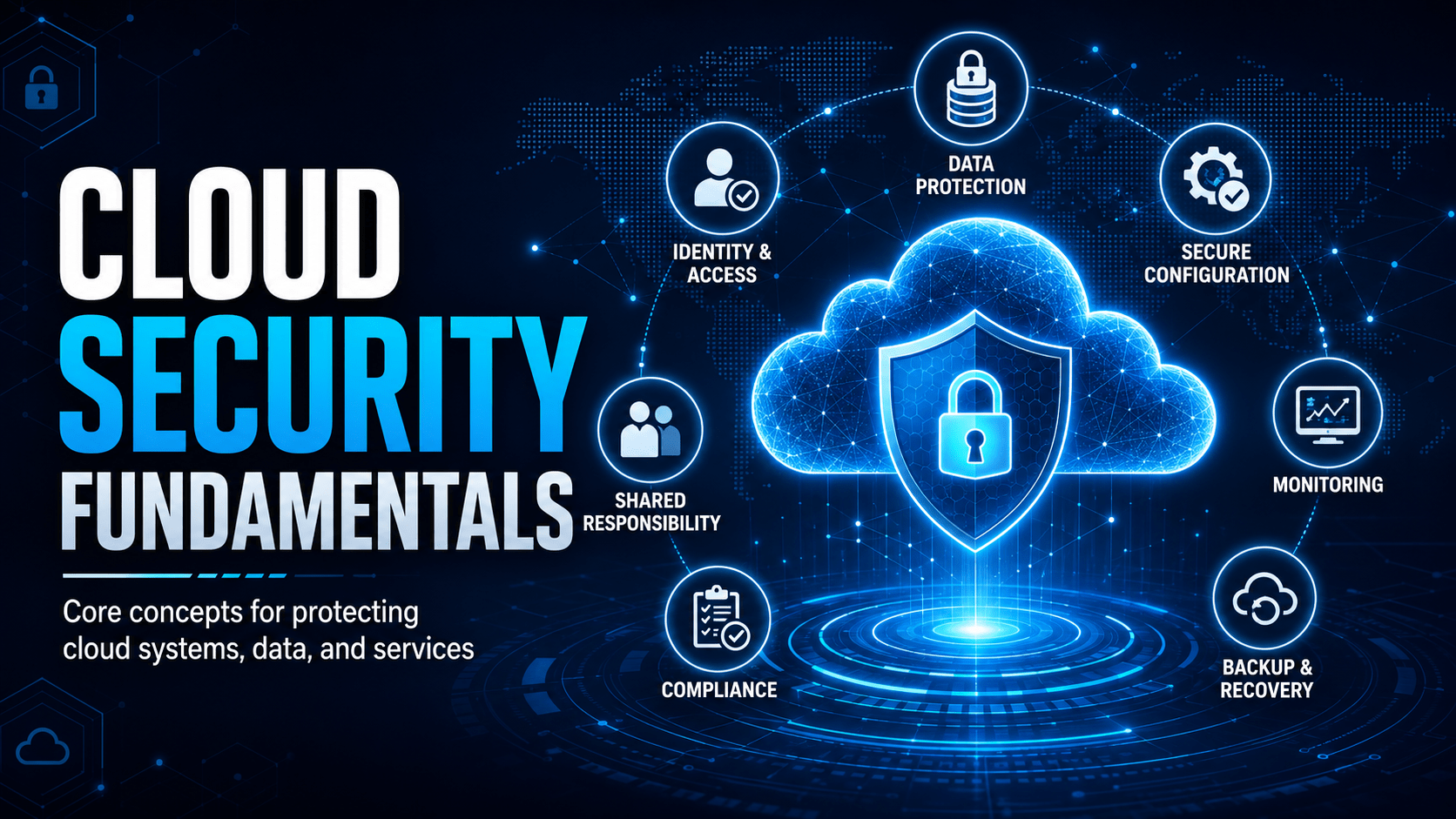
The shared responsibility model, cloud misconfigurations, and how to secure cloud accounts and data.
Cloud Security Fundamentals
The Shared Responsibility Model
Principle of Least Privilege in the Cloud
- An employee doesn’t need Global Administrator rights to use Microsoft 365
- A storage bucket containing backups doesn’t need to be publicly accessible
- A service account running scheduled jobs doesn’t need write access to the entire database
Shadow IT and Unsanctioned Cloud Services
- Storing work files in a personal Dropbox or Google Drive
- Using personal email to send/receive work documents
- Uploading customer data to a free online converter tool
Key Cloud Security Settings to Know
| Setting | Why It Matters |
|---|---|
| MFA on all accounts | Credential theft is the #1 cloud attack vector |
| External sharing restrictions | Prevent accidental public exposure of files |
| Conditional Access policies | Block logins from risky locations/devices |
| Audit logging enabled | Required for incident investigation |
| Data Loss Prevention (DLP) rules | Detect and block sensitive data leaving the org |
| Regular access reviews | Remove stale accounts and over-permissioned users |
Mobile Techs IT Consulting
Who’s actually securing your cloud?
Microsoft secures the servers. Your data, your accounts and your sharing settings are on you, and misconfiguration is how most cloud breaches happen. Mobile Techs IT Service helps Gold Coast businesses lock down their side of the shared responsibility model: Microsoft 365 security reviews, MFA and conditional access rollout, admin role and permission audits, external sharing controls, and proper cloud backup. Home users welcome too, on-site or remote, anywhere in Australia.
Get your cloud setup reviewed Talk to us first
Call 1300 644 588 · office@mobiletechs.com.au
More on our managed IT services and remote security audit.