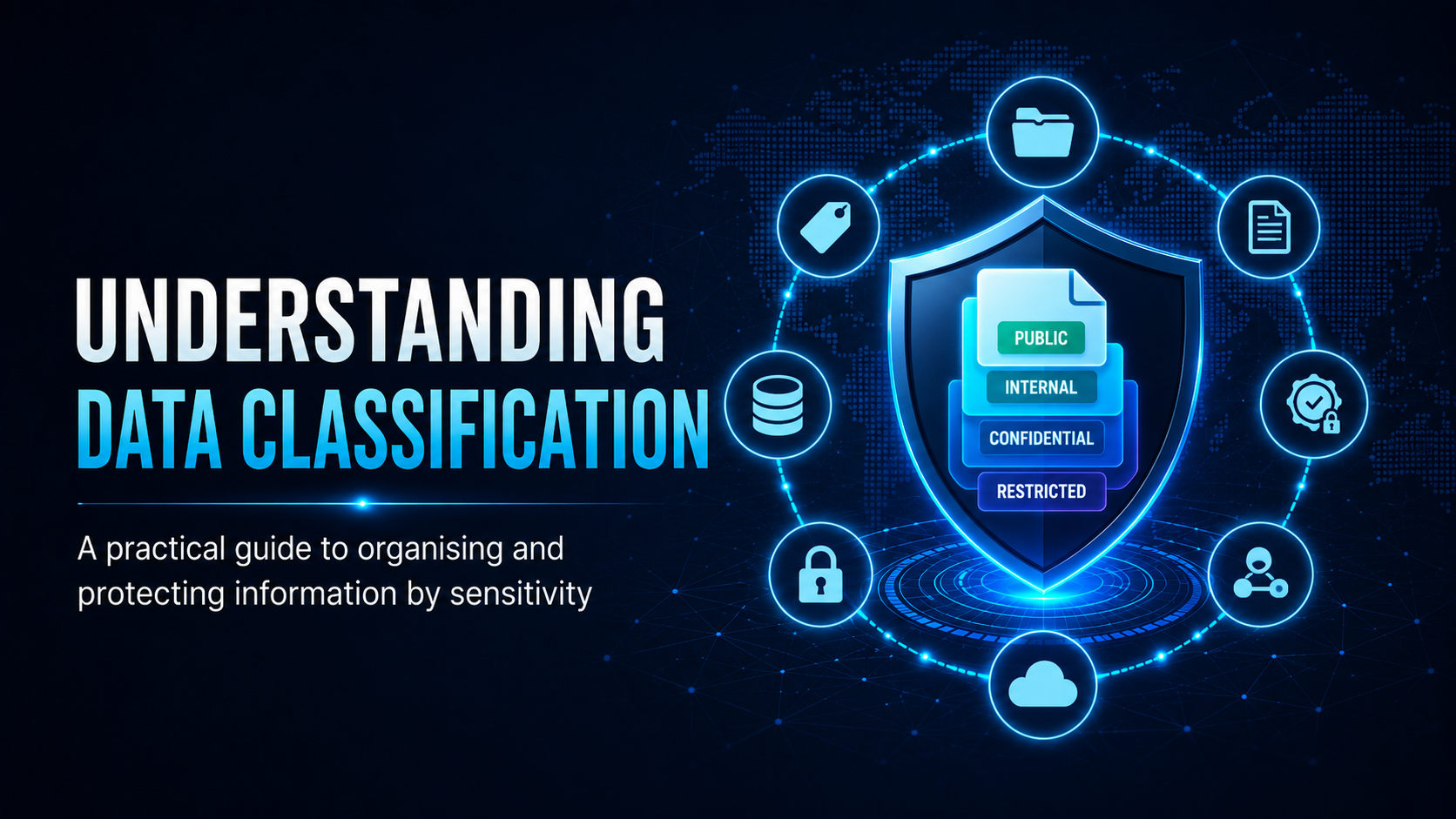
How to classify, handle and dispose of information to meet privacy and security obligations.
Understanding Data Classification
The Classification Pyramid
What Each Classification Means
| Label | Description | Example | Handling |
|---|---|---|---|
| Public | Approved for public release | Marketing materials, website content | No restrictions |
| Internal | For staff only, not public | Policy documents, org charts | Don’t share externally |
| Confidential | Business-sensitive, limited distribution | Customer PII, financial data | Encrypt in transit; need-to-know access |
| Restricted | Highest sensitivity, strictly controlled | Legal files, health records, credentials | Encrypted at rest; strict access logs |
Your Responsibilities
Practical Classification Decisions
- Who is this information about? If it involves identifiable individuals, whether customers, employees or patients, it is at minimum Confidential.
- What would happen if it were leaked? Embarrassment = Internal. Financial or legal consequences = Confidential or Restricted.
- Is it covered by law or regulation? Health records, tax file numbers, and account data have legal protections.
- Was it labelled? Respect the classification the creator assigned.
Disposal of Classified Information
| Format | Disposal Method |
|---|---|
| Paper documents (Confidential+) | Cross-cut shredding or locked destruction bin |
| Electronic files | Secure deletion tool or IT-managed process |
| USB drives / hard drives | Return to IT for certified destruction |
| Emails with sensitive data | Don’t forward without reason; delete from Sent and Deleted folders |
Mobile Techs IT Consulting
Do you know where your sensitive data lives?
You can’t protect data you haven’t identified, and mishandled customer information can put you in breach of the Privacy Act. Mobile Techs IT Service helps Gold Coast businesses get their data under control: data audits, sensitivity labelling in Microsoft 365, access controls that match each classification level, encrypted storage, and certified destruction of old drives and devices. Home users welcome too, on-site or remote, anywhere in Australia.
Book a data security audit Talk to us first
Call 1300 644 588 · office@mobiletechs.com.au
More on our managed IT services and remote security audit.