Why perimeter security is obsolete, and how to verify every access request continuously.
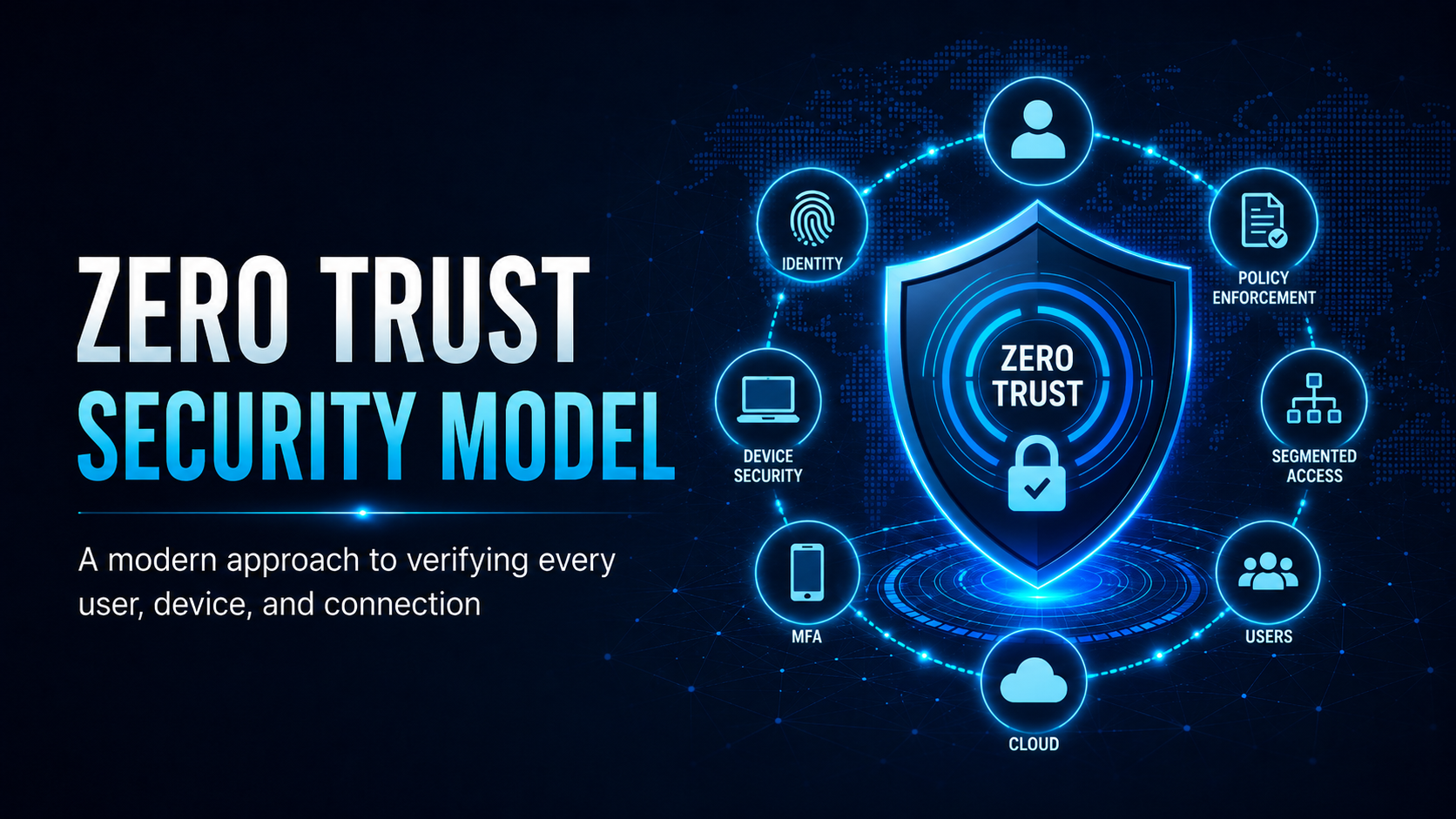
Zero Trust Security Model
Traditional network security assumed everything inside the corporate network was safe. Zero Trust treats every access request as hostile until proven otherwise, regardless of where it comes from.
Perimeter Security vs Zero Trust
The Core Principles
1. Verify Explicitly
The policy engine authenticates and authorises every request against the signals available: user identity, device health, location and the resource requested. Network location alone earns no trust.
2. Use Least Privilege Access
Grant the minimum access the task requires. Use just-in-time access for privileged roles, so an admin holds those rights for two hours rather than indefinitely.
3. Assume Breach
Design systems as if they are already compromised. Segment networks, encrypt data, monitor activity, and minimise the blast radius of any single breach.
✓ Key Point
What Zero Trust means for you as an end user:
– You may be prompted for MFA more often. That is intentional
– Accessing resources from unusual locations or unmanaged devices may be blocked
– Some applications may require your device to be enrolled in MDM (device management) before granting access
These controls protect you and the organisation. Work with them rather than around them.
Zero Trust vs VPN
Traditional remote access uses a VPN that grants broad network access once connected. Zero Trust replaces this with per-application access:
| Traditional VPN | Zero Trust Access |
|---|---|
| Connect once → access everything on the network | Each app requires separate verification |
| Attacker who steals VPN credentials = full network access | Compromised credentials = limited blast radius |
| No ongoing verification once connected | Continuous monitoring; session can be revoked |
| Poor user experience for cloud apps | Optimised for cloud-first environments |
⚠ Warning
Zero Trust is an architectural approach you build from a combination of tools: Conditional Access, MFA, EDR, micro-segmentation and SIEM. No single vendor’s “Zero Trust solution” delivers the full model, and you will implement it in stages over months.
Mobile Techs IT Consulting
Still trusting everything inside your network?
If one stolen password gives an attacker the run of your systems, your perimeter isn’t protecting you. Mobile Techs IT Service helps Gold Coast businesses move towards Zero Trust step by step: MFA and conditional access, least-privilege permissions, network segmentation, and device management. Practical improvements sized for small business. Home users welcome too, on-site or remote, anywhere in Australia.
Start your Zero Trust roadmap Talk to us first
Call 1300 644 588 · office@mobiletechs.com.au
More on our managed IT services and remote security audit.