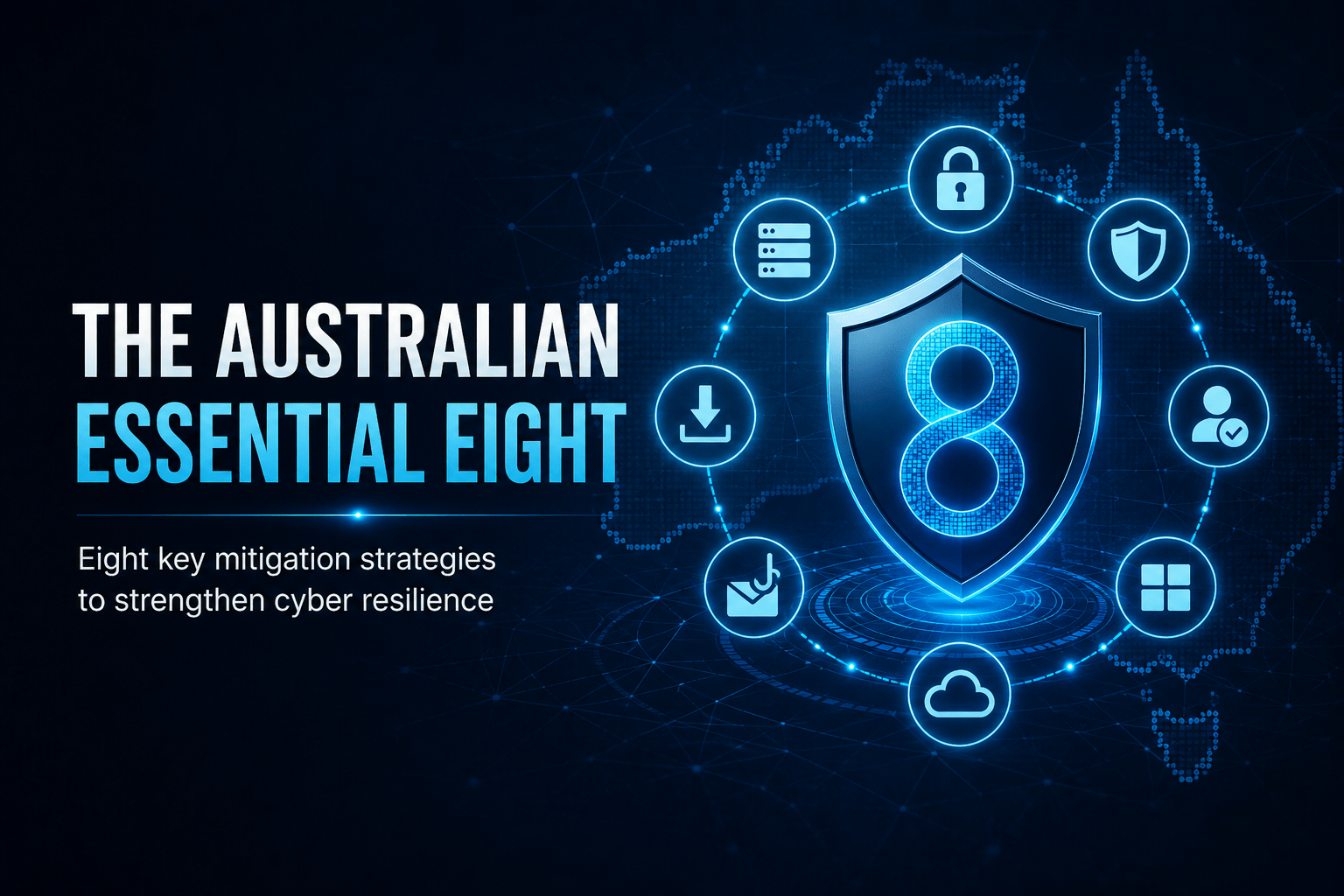
Understand the ACSC’s Essential Eight cybersecurity controls and why they are the baseline for Australian organisations.
The Australian Essential Eight
The Essential Eight is a set of baseline cybersecurity mitigation strategies developed by the Australian Cyber Security Centre (ACSC). Implementing all eight at Maturity Level 2 prevents the vast majority of cyberattacks targeting Australian organisations.
The Eight Mitigations at a Glance
The Three Maturity Levels
Maturity Level
Description
Target Org
ML1
Partly aligned — mitigates opportunistic attacks
Minimum baseline
ML2
Mostly aligned — mitigates targeted attacks
Most organisations
ML3
Fully aligned — mitigates sophisticated attacks
Government, critical infra
The ACSC recommends Maturity Level 2 as the target for most Australian businesses. Most ransomware and targeted attacks would be prevented by a fully implemented ML2.
Why Each Mitigation Matters
① Application Control stops malware from executing. If only approved applications can run, ransomware dropped via phishing cannot launch.
② Patch Applications closes known vulnerabilities. Most exploits target vulnerabilities for which patches already exist.
③ Macro Settings blocks one of the most common malware delivery methods — malicious Office documents with embedded macros.
⑤ Restrict Admin Privileges limits what an attacker can do if they compromise an account. An attacker with a standard user account has far less reach than one with admin rights.
⑦ Multi-Factor Authentication protects accounts even when passwords are stolen. This single control stops the majority of credential-based attacks.
✓ Key Point
The Essential Eight is not a once-off project — it is an ongoing programme. Maturity levels should be assessed regularly. The ACSC publishes assessment guidance at cyber.gov.au. Many cyber insurance policies now require evidence of Essential Eight implementation.
⛔ Important
Patch timing is the most commonly failed Essential Eight control. The 48-hour requirement for critical patches is strict — many organisations patch on a monthly cycle, leaving a weeks-long window for attackers to exploit known vulnerabilities. If your organisation is on a monthly patch cycle, this needs to change for critical vulnerabilities.
Essential Eight assessment
How would your business score?
Cyber insurers and government contracts increasingly expect Essential Eight alignment, and the attacks it stops are the ones already targeting Australian businesses. Mobile Techs helps Gold Coast businesses implement it without the enterprise price tag — maturity assessments, application control, automated patching, restricted admin privileges, MFA rollout and tested backups.
We give you a written, prioritised list of where you sit today and what to close first. Home users welcome too — on-site locally, or remotely anywhere in Australia.