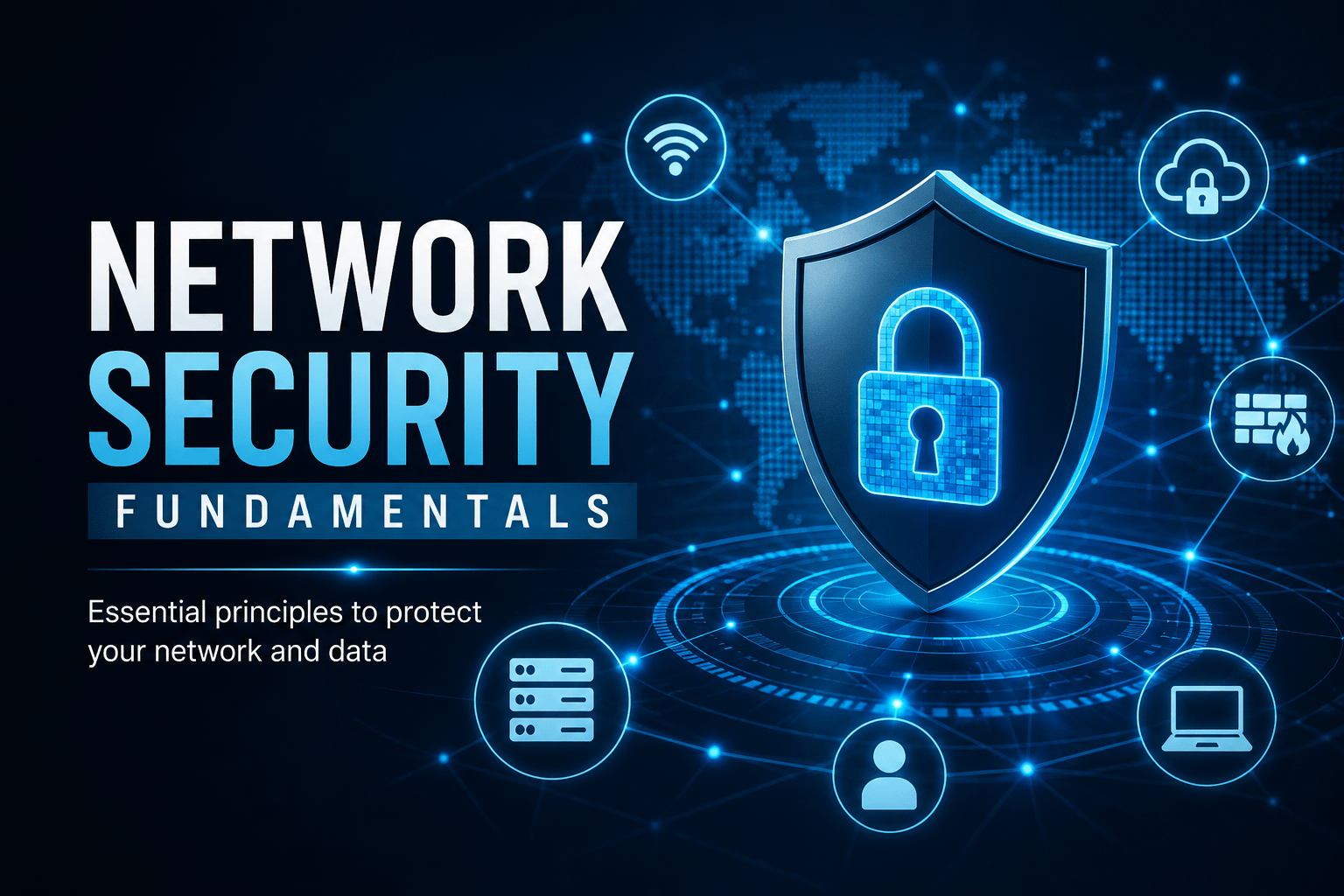
How firewalls, VLANs, VPNs and intrusion detection work together to protect your organisation.
Network Security Fundamentals
Once you understand how your organisation’s network is structured, and how attackers move through it, you can recognise threats and apply the right protections.
Network Segmentation
Network segmentation divides a network into isolated zones (VLANs). If a device in the Guest VLAN is compromised, the attacker cannot reach the Servers VLAN without crossing a firewall boundary first.
✓ Key Point
Why segmentation matters for you: If your workstation is compromised through a phishing email and your network has no segmentation, the attacker can reach every device on the network, including file servers, domain controllers and backup systems. Segmentation limits the blast radius.
Firewall Basics
A firewall filters network traffic based on rules. The principle of default deny means all traffic is blocked unless there is an explicit rule to allow it.
| Firewall Rule Type | Effect |
|---|---|
| Allow inbound TCP 443 (HTTPS) | Web traffic can reach the web server |
| Allow outbound TCP 80, 443 | Staff can browse the web |
| Deny all inbound | Block everything not explicitly permitted |
| Block outbound to known malware IPs | Prevent malware calling home (C2) |
Detecting Suspicious Network Activity
Signs that something may be wrong on your network:
⚠ Warning
– Unusual outbound traffic at odd hours (malware exfiltrating data)
– New devices appearing on the network you don’t recognise
– DNS requests to unfamiliar domains, since malware often uses unusual domains for command and control
– Slow or degraded performance across the network, which may indicate active encryption or data exfiltration
– Disabled security tools, since malware often kills antivirus before spreading
If you notice any of these, report to IT immediately.
VPNs and Remote Access
When connecting remotely to your organisation’s internal network, a VPN creates an encrypted tunnel. All traffic flows through the organisation’s security controls as if you were in the office.
- Always use the organisation-provided VPN for accessing internal systems remotely
- Never use a personal or free VPN service on work devices
- Disconnect the VPN when not in active use on shared home networks
Wireless Network Security
| Protocol | Security Level | Recommendation |
|---|---|---|
| Open / No password | None | Never use for work |
| WEP | Broken, cracked in minutes | Never use |
| WPA2-Personal | Adequate for home use | Use strong passphrase (16+ chars) |
| WPA3 | Best available | Preferred where supported |
| WPA2/3-Enterprise | Best for corporate | Uses individual credentials, not shared key |
Mobile Techs IT Consulting
When was your network last health-checked?
A flat, unsegmented network means one compromised laptop can reach everything you own. Mobile Techs IT Service designs and hardens networks for Gold Coast businesses: business-grade firewalls, VLAN segmentation, secure Wi-Fi, VPN remote access, and monitoring that flags suspicious traffic before it becomes a breach. Home users welcome too, on-site or remote, anywhere in Australia.
Book a network security review Talk to us first
Call 1300 644 588 · office@mobiletechs.com.au
More on our managed IT services and remote security audit.