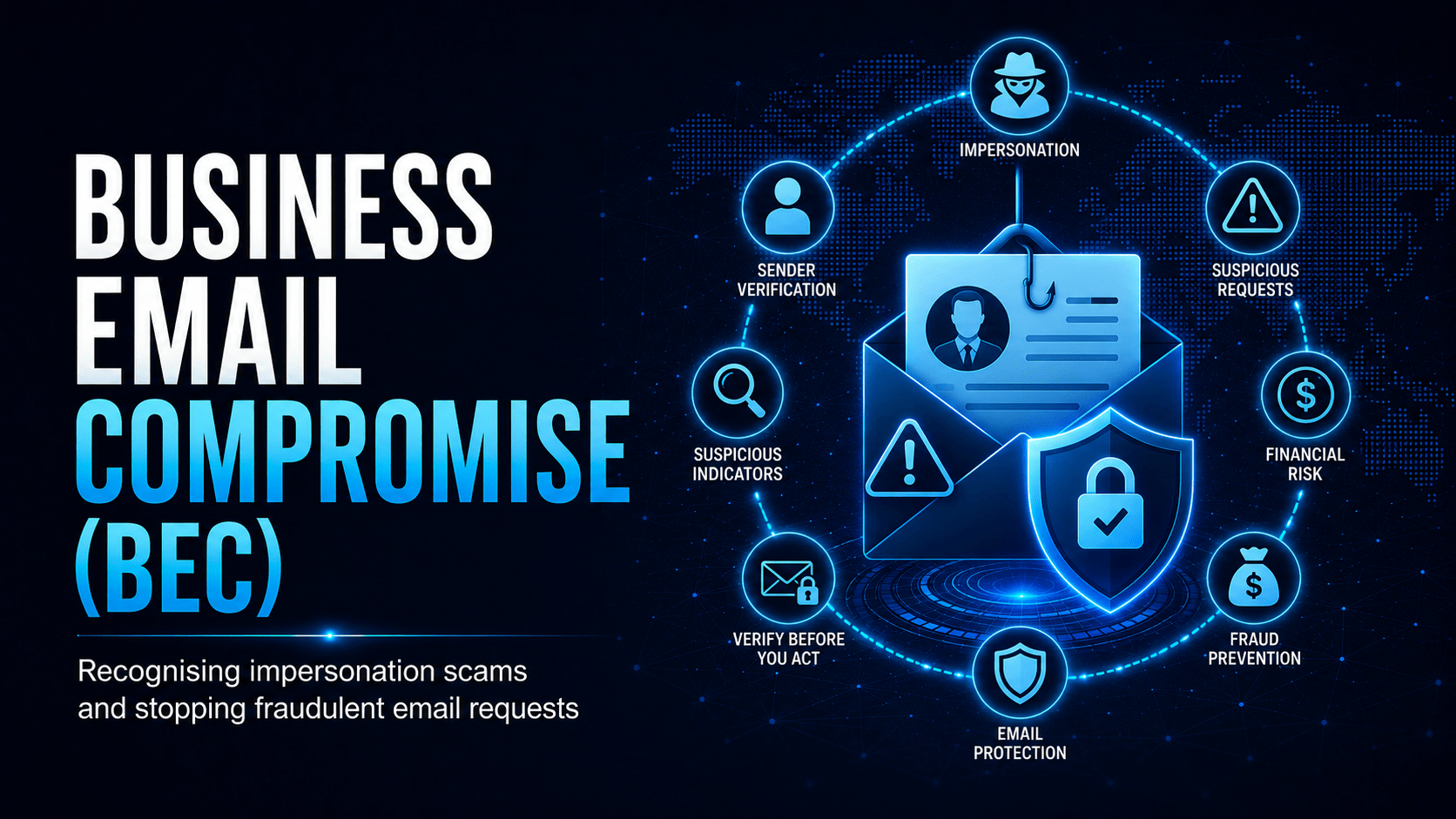
How BEC attacks use email impersonation and social engineering to steal money, and how to stop them.
Business Email Compromise (BEC)
Business Email Compromise is one of the most financially damaging cyber crimes. It needs no malware. An attacker exploits trust, authority and urgency through a well-written email.
The BEC Attack Flow
What Is BEC?
BEC attacks involve an attacker impersonating a trusted person, often an executive, supplier or colleague, to trick employees into:
- Transferring money to a fraudulent bank account
- Changing supplier payment details to an attacker-controlled account
- Disclosing sensitive information like employee payroll data
Common BEC Attack Types
| Type | Impersonation | Goal |
|---|---|---|
| CEO Fraud | Executive to finance | Urgent wire transfer |
| Invoice Fraud | Supplier updating bank details | Redirect legitimate payment |
| Payroll Diversion | Employee to HR/payroll | Change bank account before pay run |
| Legal Impersonation | Law firm on confidential deal | Transfer funds for “settlement” |
| IT Support | Helpdesk requesting credentials | Account takeover |
Red Flags Checklist
⛔ Important
Verify every payment change by phone, using a number from your records rather than the email. This one control stops most BEC attacks. A real supplier or executive will not object to a verification call before you send a large transfer.
Protective Controls
- Dual approval for all payments above a threshold, requiring two separate people
- Call-back verification for any payment account change
- Check the full sender address, not just the display name
- Email banners flagging external emails (helps staff identify impersonation)
- Finance staff training on BEC, since they are the primary target
Mobile Techs IT Consulting
Could a fake invoice fool your finance team?
BEC steals more money than any other cybercrime, and it needs no malware, just one convincing email. Mobile Techs IT Service helps Gold Coast businesses shut the door on it: anti-spoofing email authentication (SPF, DKIM, DMARC), external-sender banners, mailbox monitoring for account takeover, and targeted training for the finance staff attackers aim at. Home users welcome too, on-site or remote, anywhere in Australia.
Protect your business email Talk to us first
Call 1300 644 588 · office@mobiletechs.com.au
More on our managed IT services and remote security audit.