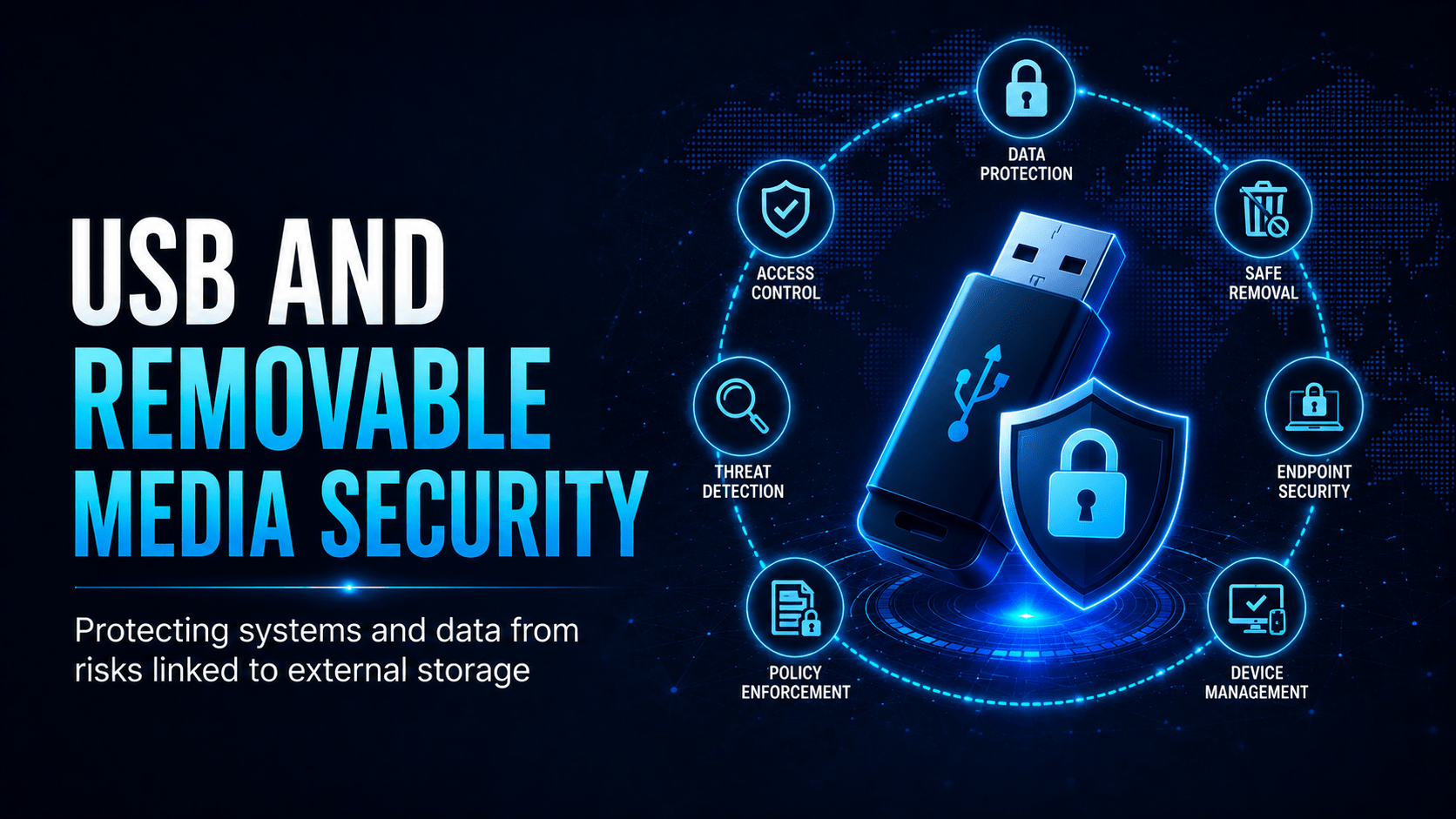
The security risks of USB drives and removable media, and how to handle them safely in the workplace.
USB and Removable Media Security
USB drives and removable media are one of the most overlooked security risks in the workplace. They are small, cheap, and carry a great deal of data, or malware.
USB Attack Vectors
Why USB Drives Are Dangerous
Malware Delivery
A malicious USB drive can execute code the moment you plug it in. BadUSB works because a drive can impersonate a keyboard or network adapter, and the computer cannot tell the difference. Once connected, it “types” malicious commands at 1,000 words per minute, faster than anyone can react.
The USB Drop Attack
Attackers leave drives in car parks, lobbies and common areas, labelled “Payroll Q3” or “Redundancy List 2025” to bait curiosity. Studies put the proportion of found drives that someone plugs in at 45–98%.
⛔ Important
If you find a USB drive, do not plug it in. Not at your desk, not on a personal device, not “just to check who it belongs to.” Hand it to IT security. Attackers are counting on the curiosity a found drive provokes.
Safe Practices
Action
Why
Use only IT-approved, encrypted drives
Unencrypted drives cause NDB breaches when lost
Never plug in a found or unverified drive
BadUSB and malware risk
Return unused drives to IT
Don’t accumulate drives in desk drawers
Report lost drives immediately
NDB 30-day clock starts from awareness
Don’t use personal drives on work computers
Risk of cross-contamination
Encrypt sensitive data before copying
Final safety net if drive is lost
✓ Key Point
Many organisations use endpoint controls (Microsoft Intune, Jamf, or DLP tools) to block unauthorised USB devices entirely. If your organisation blocks USB devices and you have a business need, ask IT for approval rather than working around it.
Secure Disposal
Deleting files or formatting a USB drive does not securely erase the data, and recovery tools restore it in seconds. Return drives to IT for:
Never dispose of USB drives containing work data in regular bins or recycling.
Mobile Techs IT Consulting
What’s plugged into your business right now?
One curious moment with a found USB drive can hand an attacker your whole network, and one lost unencrypted drive can trigger a mandatory data-breach notification. Mobile Techs IT Service helps Gold Coast businesses take removable media off the risk list: USB device control policies, endpoint protection, encrypted approved drives, certified data destruction, and staff awareness training. Home users welcome too, on-site or remote, anywhere in Australia.