Read a URL, spot a fake site, and avoid drive-by downloads.
Safe Internet Browsing
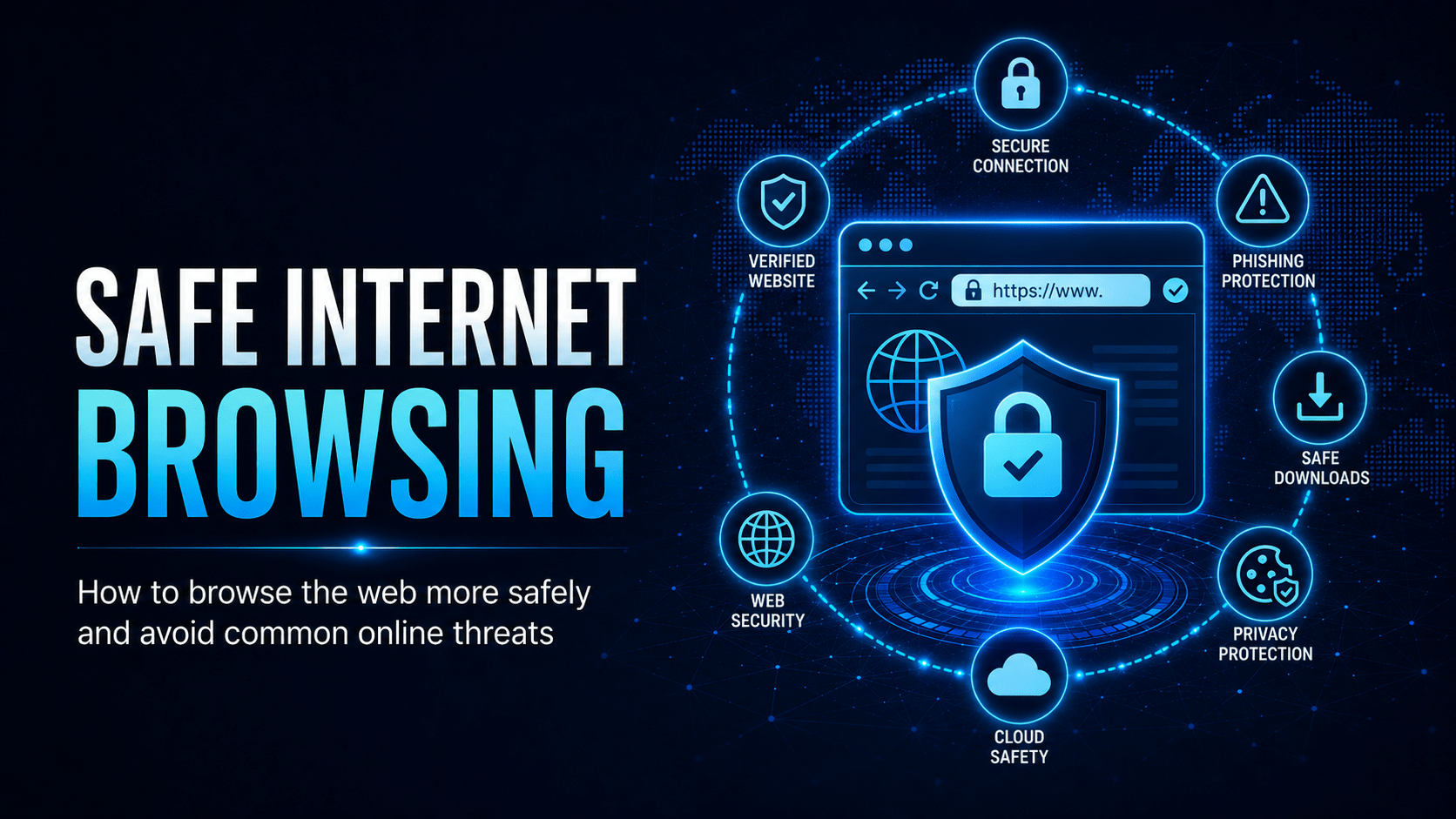
Your browser is one of the most targeted applications on your device. Safe browsing habits protect you from malware and credential theft.
Anatomy of a URL
Before clicking any link, understand what you are looking at:
⚠ Warning
The only part of a URL that tells you who owns the site is the domain, the part immediately before the first
/. Anything before the domain (subdomains) is controlled by the domain owner. So microsoft.com.evil.net is owned by evil.net, not Microsoft. login.microsoft.com is owned by Microsoft.Lookalike Domain Examples
| Legitimate | Fake Lookalike | Trick Used |
|---|---|---|
| microsoft.com | micros0ft.com | Zero instead of ‘o’ |
| paypal.com | paypa1.com | Number 1 instead of ‘l’ |
| westpac.com.au | westpac.com.au.login.xyz | Real domain as subdomain |
| ato.gov.au | ato-gov.au.refund.net | Hyphens + fake TLD |
| commbank.com.au | comrnbank.com.au | ‘rn’ looks like ‘m’ |
Recognising Dangerous File Types
Not all downloads are safe. Be cautious with:
- .exe, .msi, .bat, .cmd, .ps1: executable files that run code
- .doc, .docm, .xls, .xlsm: Office files with macros (leave macros off unless you trust the source)
- .zip, .7z, .rar: compressed archives that may contain any of the above
- .iso: disk image files that can auto-mount and run
⛔ Important
If your browser or a pop-up warns that a file “may harm your computer” believe it. Never override a security warning to download a file you were not expecting. Legitimate software publishers do not need you to bypass your browser’s safety checks.
Drive-By Downloads
Some websites install malware when you visit them, with no clicks required. This is called a drive-by download, and it exploits vulnerabilities in:
- Your browser itself
- Browser plugins (Flash, Java, PDF viewers)
- The operating system
Protection: Keep your browser and all plugins updated. Avoid sites flagged by your browser’s safe-browsing warnings.
Safe Browsing Habits
✓ Key Point
The STOP-THINK-VERIFY habit:
– STOP before clicking any unexpected link or download prompt
– THINK: is this what I expected? Does the URL look right?
– VERIFY: if unsure, type the address into the bar yourself
That three-second pause catches most browser-based infections.
At Work: Acceptable Use
Your organisation’s Acceptable Use Policy defines what browsing is permitted on work devices and networks. Common restrictions include:
- No downloading personal software
- No visiting gambling, adult, or peer-to-peer file sharing sites
- Caution with social media during work hours
- No accessing work systems from public kiosks
Mobile Techs IT Consulting
Is one bad click all it takes?
A single lookalike domain or drive-by download can turn a normal work day into a very expensive one. Mobile Techs IT Service helps Gold Coast businesses make browsing safe by default: DNS and web filtering that blocks malicious sites before they load, managed browser and plugin updates, endpoint protection that catches drive-by downloads, and acceptable-use policies your staff will follow. Home users welcome too, on-site or remote, anywhere in Australia.
Make one bad click survivable Talk to us first
Call 1300 644 588 · office@mobiletechs.com.au
More on our managed IT services and remote security audit.