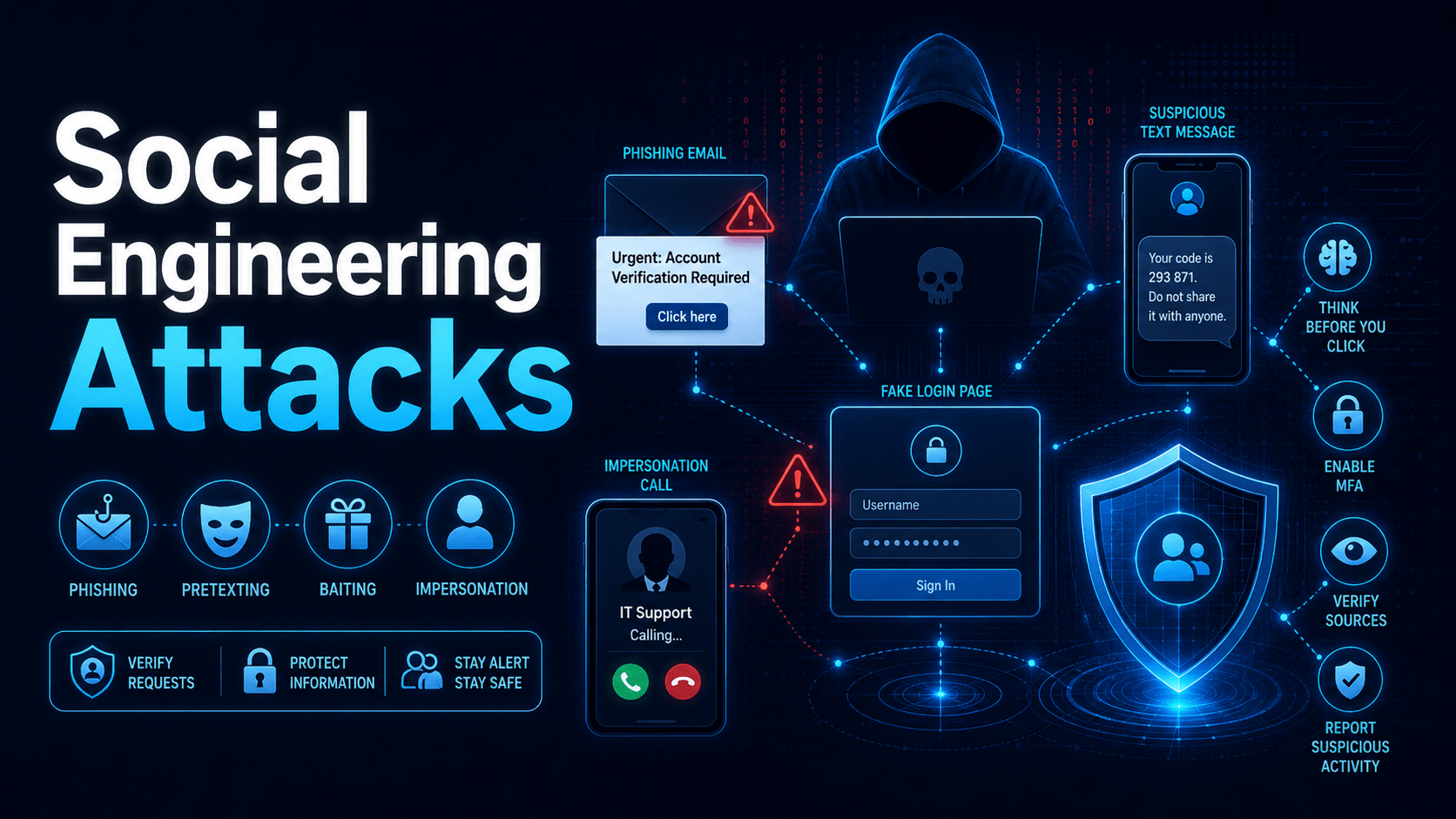
How attackers manipulate people to get access to your systems.
Social Engineering Attacks
Social engineering manipulates people rather than exploiting technical vulnerabilities. Attackers work on your trust and your sense of urgency to get around security controls.
The Social Engineering Attack Cycle
Common Social Engineering Techniques
Pretexting
The attacker invents a scenario (a “pretext”) to establish credibility. Examples:
- Posing as IT support: “Hi, I’m from the helpdesk. We’ve detected an issue with your account and need your login to fix it”
- Posing as a supplier: “This is DHL, your parcel was undeliverable. Can you confirm your address and credit card for redelivery?”
- Posing as a manager: “This is Sarah from finance, the auditors need those figures urgently. Can you email them to my personal address while my work email is down?”
Tailgating (Piggybacking)
An attacker follows a legitimate employee through an access-controlled door without badging in. Most people hold the door open out of politeness, and that defeats your physical access controls.
Rule: Never hold a door open for someone you don’t recognise. Direct them to reception. That is correct procedure.
⚠ Warning
Tailgating is often carried out by people dressed as delivery drivers, maintenance contractors, or cleaners. Always verify with reception or your facilities team before allowing unescorted access to any secured area.
Vishing (Voice Phishing)
Attackers call on the phone impersonating IT support, the tax office (ATO), police, banks, or suppliers. They may already know your name and basic details from LinkedIn.
Signs of a vishing call:
- You did not initiate the call
- Pressure to act immediately or keep the call secret
- Request for credentials, OTP codes, or remote access
- Threats of consequences (account suspension, legal action, arrest)
⛔ Important
No legitimate IT department, bank, or government agency will ever ask for your password or a one-time code over the phone. If you receive such a call, hang up and call back on the official number.
The Six Principles Attackers Exploit
- Reciprocity: “I’ve done something for you, now you owe me”
- Commitment: once you’ve started helping, it feels wrong to stop
- Social proof: “Everyone else in your team already gave me access”
- Authority: impersonating a manager, IT, police, or the ATO
- Liking: building rapport before making a request
- Scarcity / Urgency: “You have 10 minutes or your account is deleted”
✓ Key Point
If you feel rushed or pressured during a request for information or access, that pressure is the red flag. Legitimate requests can wait for verification. Slow down and check through a separate channel.
Mobile Techs IT Consulting
Your people are the target — are they ready?
Attackers don’t need to break your firewall when one convincing phone call or held-open door will do. Mobile Techs IT Service helps Gold Coast businesses build a human firewall: security awareness training your staff will remember, simulated phishing exercises, verification procedures for payment and access requests, and email filtering that stops most lures before anyone sees them. Home users welcome too, on-site or remote, anywhere in Australia.
Train your team to spot the con Talk to us first
Call 1300 644 588 · office@mobiletechs.com.au
More on our managed IT services and remote security audit.