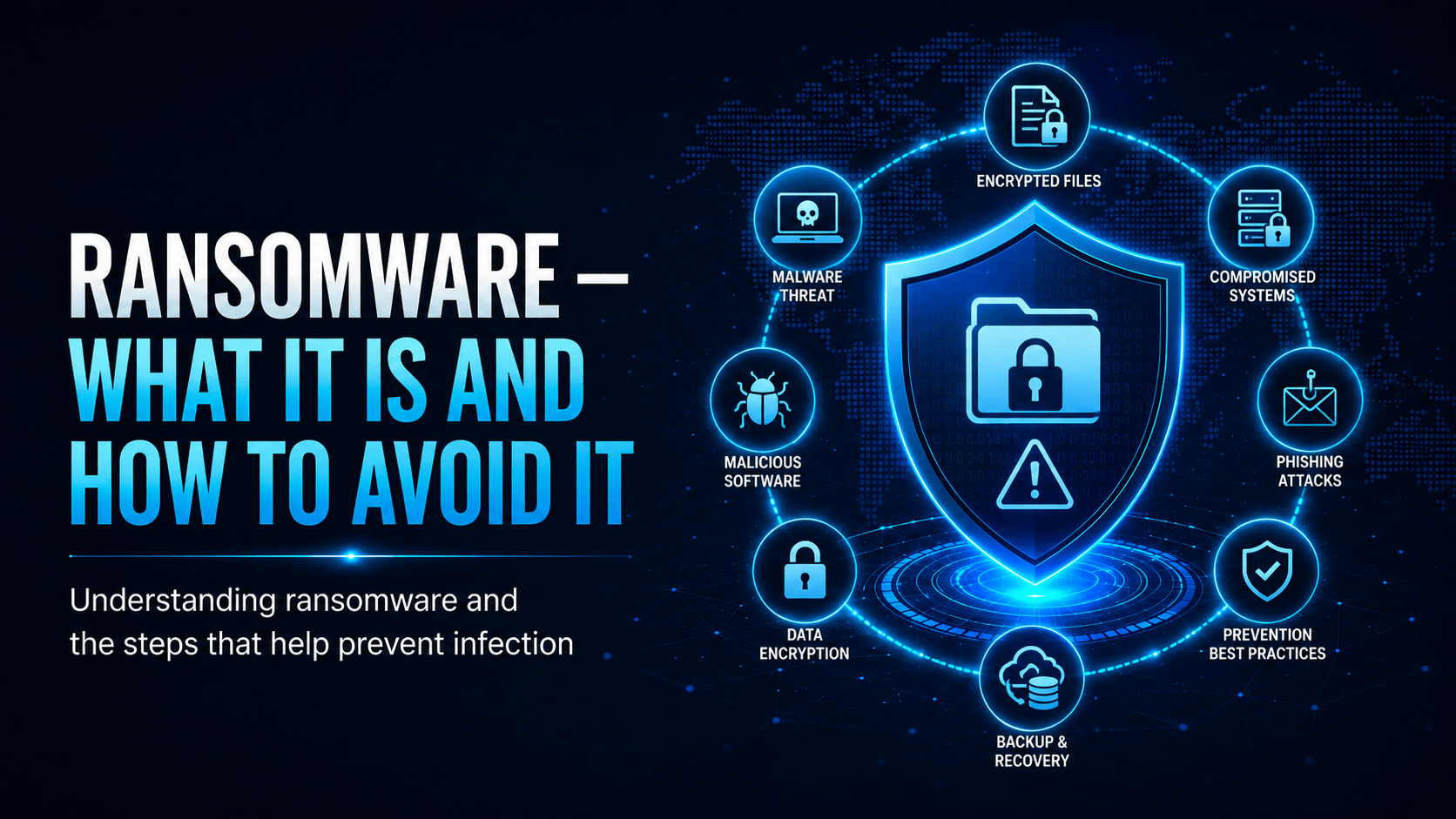
How ransomware gets in, how to keep it out, and what to do in the first hour.
Ransomware — What It Is and How to Avoid It
Ransomware encrypts your files and demands payment for the decryption key. It has shut down hospitals and councils, and most attacks begin with one person opening the wrong attachment.
How a Ransomware Attack Unfolds
⛔ Important
Modern ransomware gangs spend days to weeks inside a network before triggering encryption. They use that time to reach your servers, delete your backups and copy your data for double extortion. By the time files lock, they have already taken what they came for.
How Ransomware Gets In
The most common delivery methods are:
- Phishing emails with malicious attachments or links (~70% of cases)
- Exposed Remote Desktop Protocol (RDP): port 3389 open to the internet
- Unpatched vulnerabilities in internet-facing systems
- Compromised credentials from previous breaches (credential stuffing)
- Malicious downloads from compromised websites
What Happens to Your Files
Should You Pay the Ransom?
⚠ Warning
Law enforcement agencies (including the AFP and FBI) advise against paying ransoms. Payment:
– Does not guarantee you will receive a working decryption key
– Funds criminal operations and encourages future attacks
– May place you on a list of “payers” who are likely to pay again
– In some jurisdictions, paying a sanctioned group may be illegal
Your Best Defences
- Backups: keep offline or immutable backups that ransomware cannot reach, and test that they restore.
- Patch promptly: most ransomware exploits known, patchable vulnerabilities
- Don’t open unexpected attachments: the most common delivery method
- Disable macros: Office macros left on by default are a major vector
- Report suspicious activity early: if files start renaming themselves or the network looks unusual, call it in. Early detection stops the spread.
✓ Key Point
The 3-2-1 backup rule is your best ransomware insurance:
– 3 copies of your data
– 2 different media types
– 1 copy stored offsite (or in immutable cloud storage)
If your backups are connected to the network when ransomware strikes, they will be encrypted too.
What to Do If You Suspect Ransomware
If files are renaming themselves, your computer is unusually slow, or you see a ransom note:
- Disconnect from the network immediately: unplug the ethernet cable or turn off Wi-Fi
- Do not shut down the computer, because memory may contain evidence
- Call IT immediately: every second of connectivity allows further spread
- Do not pay without consulting your organisation’s incident response team
Mobile Techs IT Consulting
Could your business survive a ransomware attack?
Ransomware locks your files and deletes any backups it can reach on the way through, and it can take a business offline for weeks. Mobile Techs IT Service builds Gold Coast businesses a 3-2-1 backup strategy with offline copies, manages patching and updates, rolls out MFA, hardens Office macros, and tests your recovery plan so you can restore instead of negotiate. Home users welcome too, on-site or remote, anywhere in Australia.
Get your ransomware defences reviewed Talk to us first
Call 1300 644 588 · office@mobiletechs.com.au
More on our managed IT services and remote security audit.