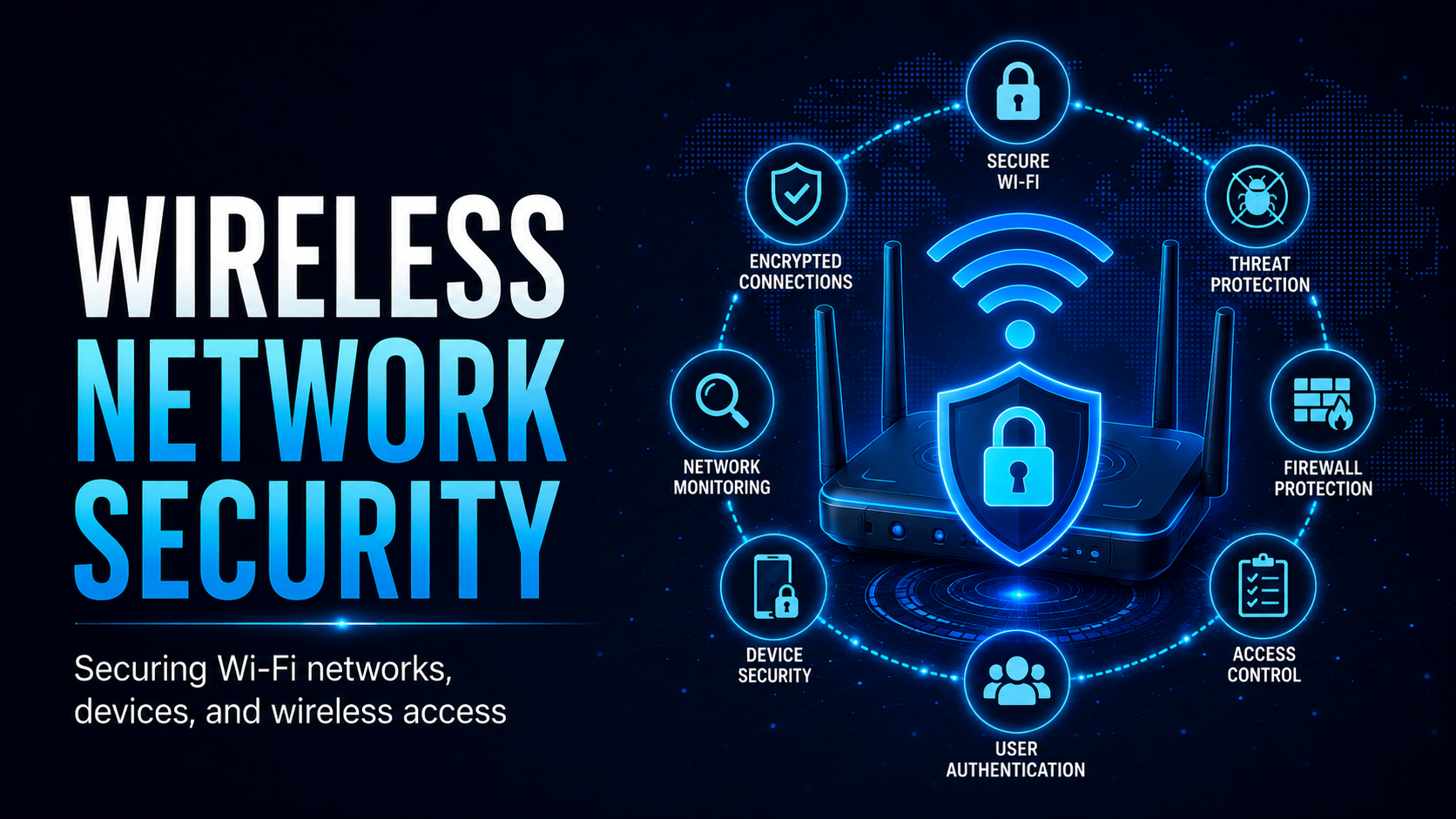
Wireless security standards, how rogue access points work, and how to design secure Wi-Fi for business use.
Wireless Network Security
Wi-Fi opens attack surfaces that wired networks don’t have. Once you know the wireless threats, you can make better decisions about how and where you connect.
Wi-Fi Threat Scenarios
Wi-Fi Security Protocols
| Protocol | Security | Recommendation |
|---|---|---|
| Open (no password) | None, all traffic visible | Never use for work |
| WEP | Broken, cracked in minutes | Never use |
| WPA (TKIP) | Weak and deprecated | Upgrade immediately |
| WPA2-Personal (PSK) | Adequate for home | Use 16+ char passphrase |
| WPA2-Enterprise | Strong | Corporate standard, issues individual credentials |
| WPA3 | Best available | Preferred; mandatory for new deployments |
⛔ Important
WPA2-Personal uses a shared key, so everyone on the network types the same password. If one device is compromised, or an employee passes the password on, your whole network is exposed. Use WPA2/3-Enterprise in the office instead. It issues individual credentials per device, so you can revoke one without touching the rest.
Public Wi-Fi Risks
Treat public Wi-Fi in cafés, airports, hotels and shopping centres as untrusted:
- Other users on the same network may intercept your traffic
- An evil twin AP may be masquerading as the legitimate network
- The AP operator can see unencrypted traffic
- Captive portals may serve malicious content
✓ Key Point
When using public Wi-Fi for work:
1. Always connect to your organisation’s VPN before accessing any work resources
2. Prefer your phone’s mobile hotspot over public Wi-Fi for sensitive work
3. Ask staff for the exact network name before connecting rather than guessing
4. Disable Wi-Fi auto-connect to open networks on your device
Wireless Security in the Office
Signs of a rogue access point in your workplace:
- Unknown network names (SSIDs) visible in your Wi-Fi list
- A new physical device plugged into a network port that wasn’t there before
- Unexplained slow network performance
Report any of these to IT immediately. A rogue AP bypasses your perimeter controls and lets an attacker outside the building onto the internal network.
Mobile Techs IT Consulting
Is your Wi-Fi an open door?
A shared Wi-Fi password and an old router can undo every other security control you’ve paid for. Mobile Techs IT Service designs secure wireless for Gold Coast businesses: WPA3 and Enterprise authentication, separated guest and staff networks, rogue access point detection, and business-grade access points that hold up under load. Home users welcome too, on-site or remote, anywhere in Australia.
Book a wireless security audit Talk to us first
Call 1300 644 588 · office@mobiletechs.com.au
More on our managed IT services and remote security audit.