How to use AI tools safely at work and recognise AI-powered threats including deepfakes and AI-generated phishing.
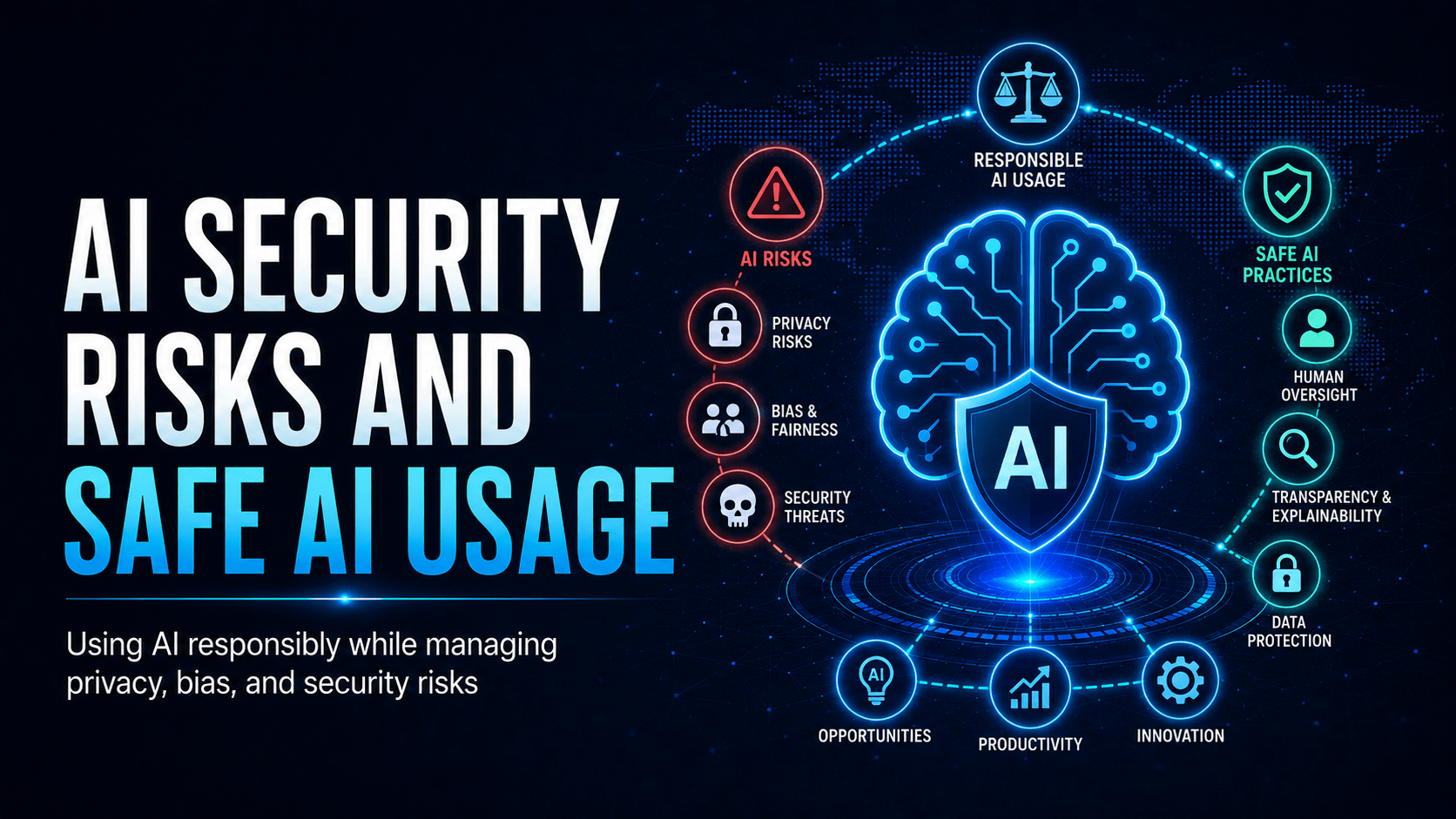
AI Security Risks and Safe AI Usage
Your staff already use ChatGPT, Microsoft Copilot and Google Gemini. These tools carry new security risks, as things we use and as weapons attackers turn against us.
How AI Data Leakage Happens
⛔ Important
When you paste customer data, internal financials, or credentials into a public AI chatbot, you lose control of that data. Even if the provider says they don’t train on your data, the data has left your organisation’s security boundary. If you wouldn’t post it on Twitter, don’t paste it into an AI tool.
Risks When Using AI Tools at Work
Data Leakage
Never input into public AI tools:
Customer personal information or account details
Internal financial data, budgets, or pricing strategies
Passwords, API keys, or credentials
Confidential contracts, M&A plans, or intellectual property
Shadow AI
Employees using unsanctioned AI tools (outside IT approval) create risk because you do not know how the tool handles data, it may not meet your organisation’s security or privacy standards, and it leaves no audit trail.
⚠ Warning
Always use AI tools approved by IT. The fact that a tool is free and popular does not mean it is safe for work data. Your IT team needs to see which tools staff use and what data goes into them.
AI as an Attack Weapon
AI-Generated Phishing
Attackers use AI to produce clean, personalised phishing emails. Traditional advice to “look for spelling mistakes” no longer applies.
Deepfake Attacks
⛔ Important
If you receive an unexpected phone call requesting urgent financial action or sensitive information, even one that appears to be from someone you know, hang up and call back on a number you already have for that person. A caller with a real request will wait.
Staying Safe With AI
Safe
Unsafe
Drafting general internal emails
Pasting customer PII into prompts
Asking general coding questions
Including API keys or credentials in prompts
Summarising publicly available info
Uploading confidential contracts
Using IT-approved Copilot for M365
Using personal ChatGPT for work tasks
Generating marketing copy ideas
Inputting patient or financial records
Mobile Techs IT Consulting
Is your team using AI safely?
Your staff are already pasting company data into AI tools. Most businesses have no visibility into which tools, or what data. Mobile Techs IT Service helps Gold Coast businesses get ahead of it: practical AI usage policies, secure IT-approved AI tools like Microsoft Copilot, data protection controls, and awareness training covering AI-generated phishing and deepfake scams. Home users welcome too, on-site or remote, anywhere in Australia.