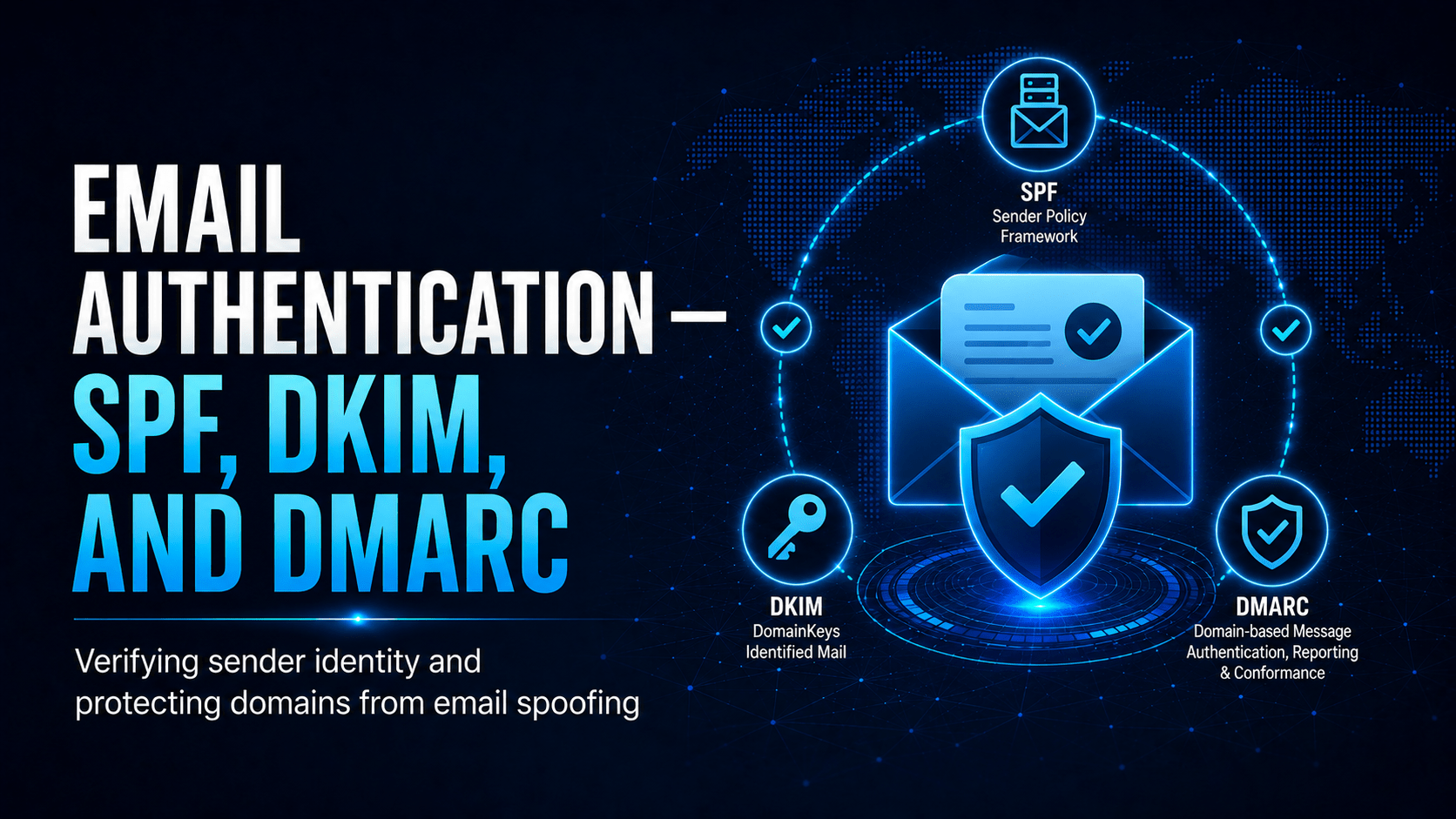
How SPF, DKIM and DMARC work together to stop email spoofing and protect your domain’s reputation.
Email Authentication: SPF, DKIM and DMARC
How Email Spoofing Works (Without Authentication)
The Three Standards Explained
p=none (monitoring only), analyse the reports, then move to p=quarantine, then p=reject.DMARC Deployment Stages
| Stage | DMARC Policy | Effect |
|---|---|---|
| 1. Monitor | p=none |
No blocking. You receive reports on who is sending as your domain |
| 2. Quarantine | p=quarantine |
Failed emails go to spam/junk |
| 3. Enforce | p=reject |
Receiving servers block failed emails, so nobody can spoof your domain |
p=none permanently. That gives you visibility but no protection, and a spoofed email claiming to be from your domain still reaches the recipient. Finish the deployment by moving to p=reject once you have verified all legitimate sending sources pass authentication.Checking Your Domain’s Email Authentication
- MXToolbox (mxtoolbox.com) checks all three records
- DMARC Analyser reviews DMARC aggregate reports
- Google Admin Toolbox checks deliverability
Authentication-Results:, which shows whether SPF, DKIM and DMARC passed or failed.Mobile Techs IT Consulting
Could a scammer send email as your domain right now?
If your DMARC policy is missing or stuck on p=none, anyone can spoof your domain to scam your customers and suppliers, and your legitimate email may be landing in junk folders too. Mobile Techs IT Service helps Gold Coast businesses get email authentication right: SPF, DKIM, and DMARC configured correctly for every sending service, DMARC reports monitored, and a safe staged move to p=reject that protects your brand without breaking your mail flow. Home users welcome too, on-site or remote, anywhere in Australia.
Get your domain records checked Talk to us first
Call 1300 644 588 · office@mobiletechs.com.au
More on our managed IT services and remote security audit.