How identity lifecycle management, role-based access control, SSO and access reviews protect your organisation from over-privileged accounts.
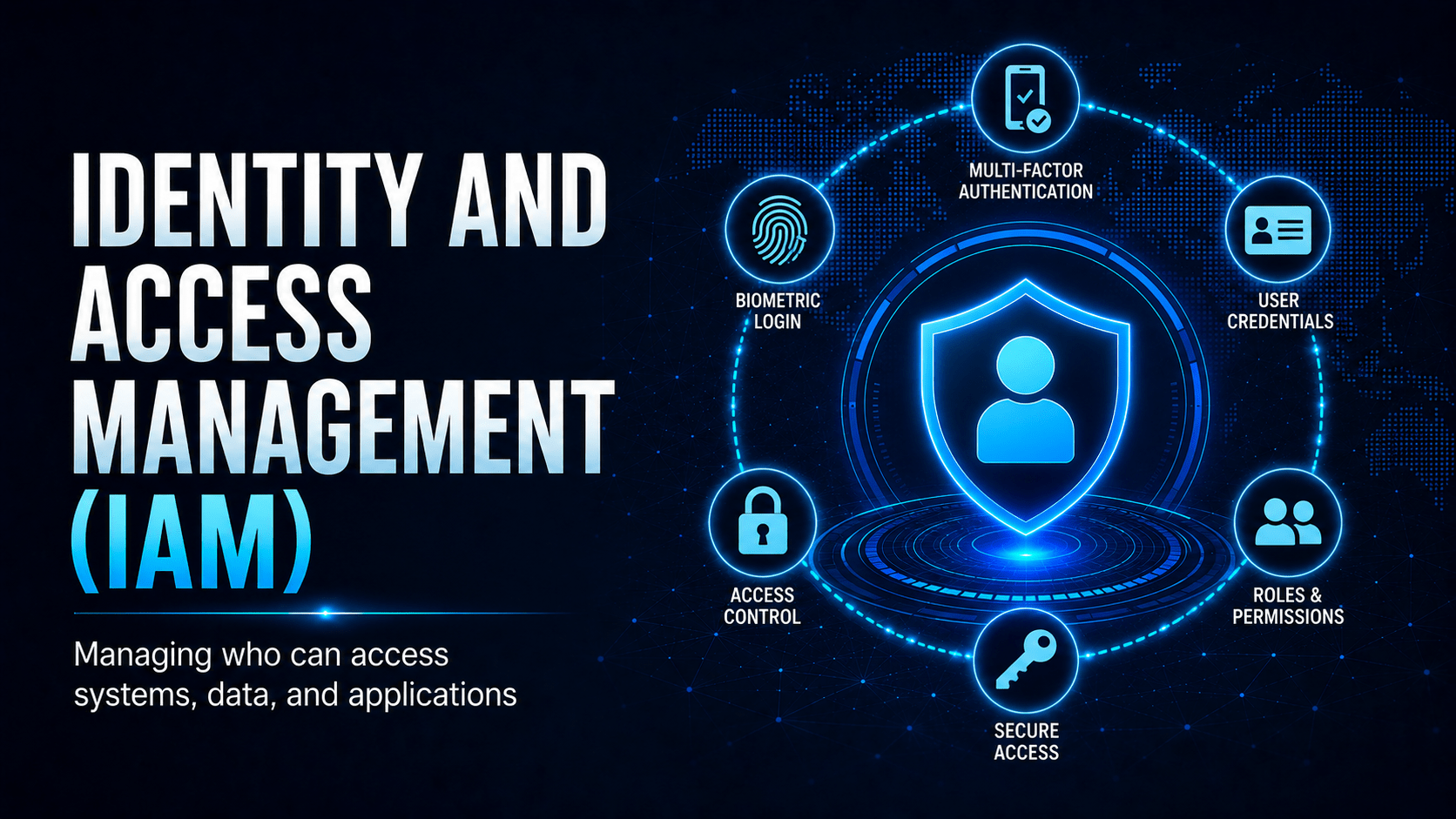
Identity and Access Management (IAM)
The IAM Core Concepts
Role-Based Access Control (RBAC)
| Role | Permissions | Example Users |
|---|---|---|
| Finance Officer | Read/write invoices, read customer data | Finance team |
| Support Technician | Read customer data, create/update jobs | Helpdesk staff |
| Team Leader | All technician permissions + assign jobs | Senior staff |
| System Administrator | Manage users, configure systems | IT admins |
| Global Administrator | Full control of everything | Break-glass only, heavily audited |
The Joiners-Movers-Leavers Process
| Event | IAM Action Required |
|---|---|
| New starter (Joiner) | Provision accounts with role-appropriate access only |
| Role change (Mover) | Add new permissions and remove the old ones, so nothing accumulates |
| Resignation / Termination (Leaver) | Disable all accounts on last day; revoke MFA; remove from groups |
| Long-term leave | Suspend account; review on return |
| Contractor engagement | Time-limited account with expiry date set at creation |
Single Sign-On (SSO)
- Fewer passwords to manage and forget
- Centralised enforcement of MFA and Conditional Access
- Instant account deprovisioning. Disable the SSO account and every connected app loses access at once
Mobile Techs IT Consulting
Who has access to what in your business?
If you can’t answer that quickly, or a former staff member’s account might still be active somewhere, your access management needs attention. Mobile Techs IT Service helps Gold Coast businesses take control: least-privilege roles and permission audits, SSO and MFA rollout across your apps, proper onboarding and offboarding processes, and regular access reviews that catch privilege creep before it becomes a breach. Home users welcome too, on-site or remote, anywhere in Australia.
Get your access under control Talk to us first
Call 1300 644 588 · office@mobiletechs.com.au
More on our managed IT services and remote security audit.