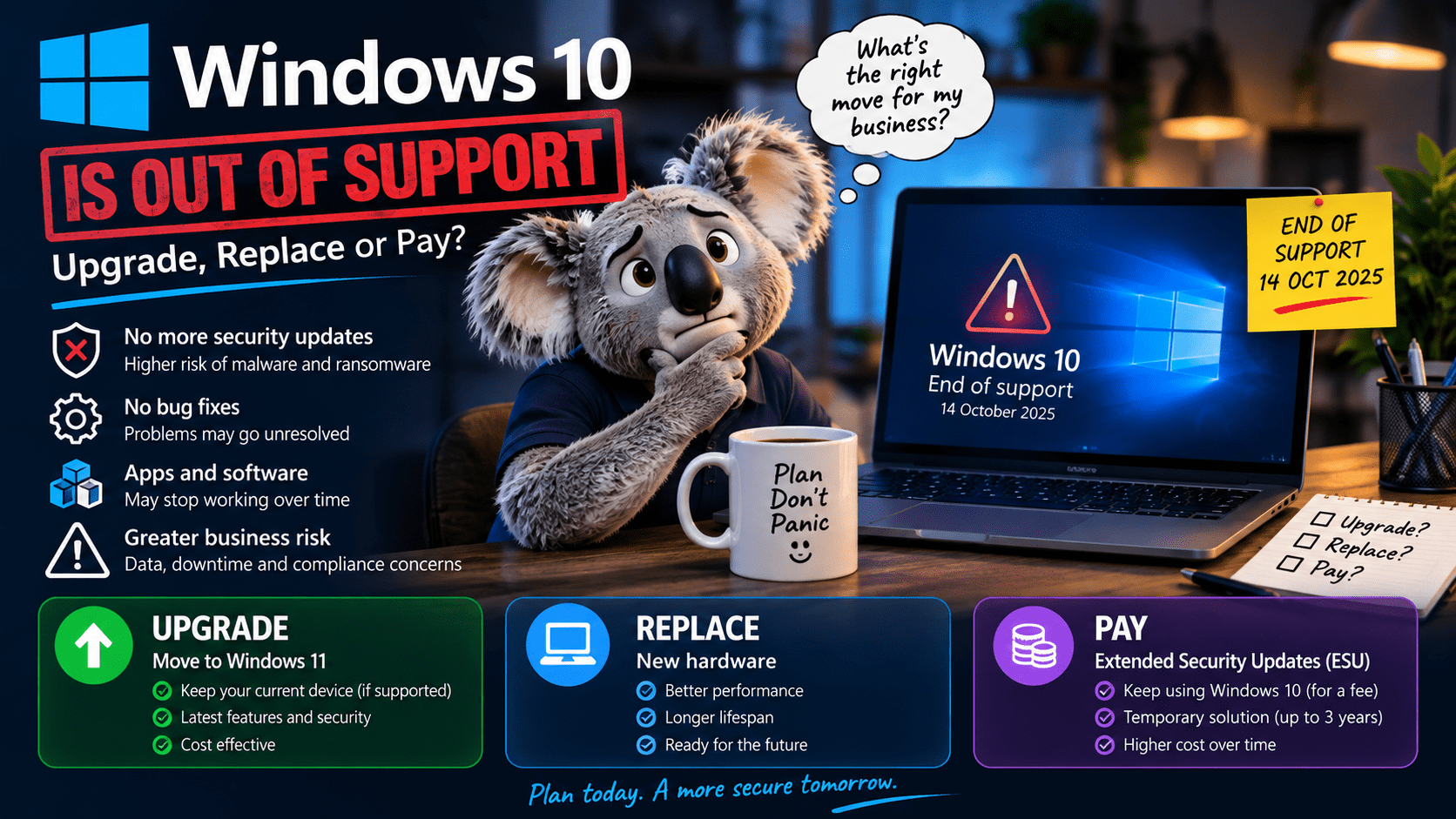
Windows 10 stopped getting security updates in October 2025. The paid extension that kept business machines patched for a year runs out on 13 October 2026, and the second year costs double. If you still have Windows 10 desktops in the office, this is the month to decide what happens to them.
This covers what actually stops working, which machines can take Windows 11 and which cannot, what the extension costs, and how to run the replacement without losing a week of everyone’s time.
The dates
What changes on an unsupported machine
The computer keeps booting. Office opens. The printer works. That is why so many are still in use. What stops is the monthly patch that closes the holes attackers found last month, and Windows 10 shares most of its code with Windows 11, so every Windows 11 patch note is a public list of what is now open on Windows 10.
Three consequences land on a business faster than the malware does.
| Where it bites | What happens |
|---|---|
| Cyber insurance | Most policies written since 2024 require supported operating systems. An unsupported Windows 10 machine on the network at the time of a claim is a reason to decline it. Check the wording on yours. |
| Essential Eight and compliance | “Patch operating systems” is one of the eight. You cannot patch what Microsoft is not patching, so an unsupported OS fails that control at every maturity level. Law firms, accountants and medical practices with a client or regulator asking for an Essential Eight statement have a problem. |
| Software vendors | Practice management, accounting and browser vendors drop Windows 10 on their own schedules. Chrome and Edge have announced end dates. Xero, MYOB and Best Practice will follow. The machine that runs fine today will one day refuse to update the one application the business depends on. |
Can it run Windows 11?
Windows 11 needs an 8th generation Intel or Ryzen 2000 processor or newer, TPM 2.0 turned on, UEFI with Secure Boot, 4 GB of RAM and 64 GB of storage. In practice that means most business machines bought from 2019 onward will upgrade, and most bought before 2018 will not.
Run the PC Health Check app from Microsoft, or open Settings, Update & Security, Windows Update and look for the eligibility notice. Two common false negatives: TPM 2.0 is present on the board but switched off in the BIOS, and the machine is in legacy BIOS mode rather than UEFI. Both are fixable in ten minutes on a machine that is otherwise eligible.
Eligible is not the same as worth upgrading. A 2019 desktop with 8 GB of RAM and a spinning hard drive meets the requirements and will be slower on Windows 11 than it was on 10. If the machine is over five years old, the upgrade cost in labour usually exceeds the difference between fixing it and replacing it. The bypass tools that force Windows 11 onto unsupported hardware work, and leave you with a machine Microsoft says it may stop updating at any time, which puts you back where you started.
Three ways forward
| Option | Cost per machine | Use it when |
|---|---|---|
| Upgrade in place | Free licence. About an hour of labour including the backup, the BIOS changes and checking the applications afterward. | Machine is eligible, under four years old, and has an SSD. Most 2020 to 2023 desktops and laptops. |
| Replace | $900 to $1,600 for a business-grade desktop or laptop with Windows 11 Pro, plus migration of the user’s data, profile and applications. | Machine is ineligible, or eligible but old and slow. Buy Pro, not Home, so it can join the domain or Entra and take BitLocker policy. |
| Pay for ESU | Business ESU was US$61 for year one. Year two doubles to about US$122, and a machine that skipped year one pays for both. Year three doubles again. Roughly A$650 over three years for a machine you will still have to replace. | A specific machine runs a specific thing that cannot move yet: the CNC controller, the ultrasound workstation, the software the vendor went broke on. Buy ESU for that one, isolate it on its own VLAN, and plan its exit. |
For most small businesses the answer is a mix: upgrade the machines that can take it, replace the ones that cannot, and buy ESU for nothing unless there is a named reason.
Running the replacement
The hardware is the easy part. The week after is where a badly planned rollout costs real money, in staff who cannot find their files, printers that vanished, and a line-of-business application that needs a licence server nobody documented.
1. Inventory
Every machine, its age, its eligibility, who uses it, and which applications live on it that are not Office. The last column is the one that surprises people.
2. Check the applications
Ask each vendor, in writing, whether the current version supports Windows 11. Scanners, label printers and anything with a USB dongle get tested on one new machine before you buy ten.
3. Build one, then clone it
One machine set up exactly right: Office, the applications, the printers, the security agent, BitLocker on. Image it, or use Autopilot if you are on Microsoft 365 Business Premium, and every machine after that takes twenty minutes.
4. Move people, not disks
Files in OneDrive or on the server come across on sign-in. What needs hand-moving is the desktop, the browser passwords, the email signature, the scanner shortcut and the Xero login. Do those with the user sitting there, two or three people a day.
5. Keep the old machine a week
Powered off, on a shelf, network cable out. Something will be missing and it will be on there. After a week, wipe the drive and dispose of it through an e-waste recycler that issues a certificate.
6. Order early
Every business in the country is buying the same machines in the same quarter. Lead times on business-grade desktops with Pro licences stretch in October and November.
Two things people forget
| × | The server. Windows Server 2012 R2 ran out of extended support in October 2026 too, and Server 2016 is on extended support until January 2027. If the domain controller or the file server is on either, it belongs in the same plan. |
| × | The one in the workshop. The Windows 10 machine on the factory floor, behind the reception desk, or driving the digital signage. It is on the same network as everything else. If it cannot be upgraded or replaced, it gets ESU and its own VLAN. |
Need a hand?
Off Windows 10 before the next invoice
We audit the fleet, tell you which machines upgrade and which get replaced, supply and build the new ones, and move each person across with their files, passwords and settings intact. Gold Coast businesses on a Managed IT contract already have the inventory; ask us for the list.