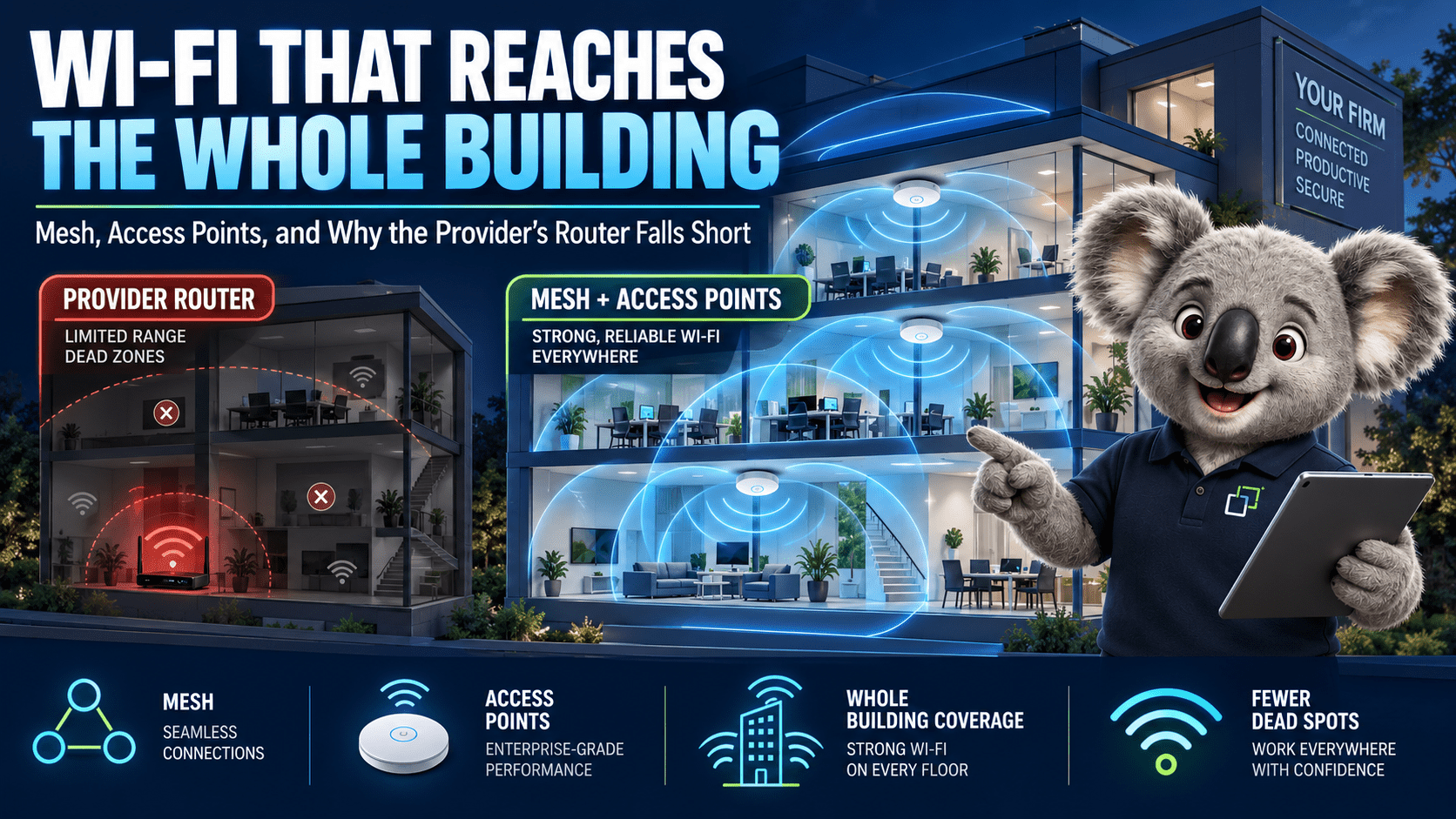
The router your internet provider posted out was built to a price and put where the NBN cable came in, which is usually a cupboard at one end of the building. Wi-Fi does not go through rendered brick, foil-backed insulation or a Colorbond shed wall, and no plan upgrade changes that.
This is the “it’s the Wi-Fi” half of the NBN troubleshooting article: how to tell whether your problem is coverage, capacity or the hardware, and what to buy for a small office or a large house on the Gold Coast.
First, find out which problem you have
Two tests sort it out. Plug a laptop into the router by cable and run a speed test; that is your baseline. Then run the same test on Wi-Fi standing next to the router, and again from the worst spot in the building. Coverage problems show up in the third number, hardware problems in the second.
Why the provider’s router is not enough
It has to sit where the NBN box is. On HFC that is wherever the old Foxtel cable came in; on FTTP it is wherever the phone socket used to be. Neither spot was chosen for radio coverage.
It has two or four small antennas designed to cover a three-bedroom house with plasterboard walls. Rendered brick, double brick, and the sisalation under most Queensland roofs and in most modern wall cavities cut the signal hard. Wi-Fi at 5 GHz, the band that carries the speed, drops off faster than 2.4 GHz, so the back of the house falls to the slow band first and then to nothing.
It handles a dozen devices comfortably. A small office with 15 staff, their phones, a couple of printers, a few cameras and a TV in the meeting room is 50 clients on one radio. The router does not refuse them; it gives each one a smaller slice of airtime until everything feels slow.
The extender in the hallway is making it worse. A plug-in range extender receives on the same radio it retransmits on, so it halves the available speed for everything that connects through it, and it usually broadcasts a second network name your devices cling to long after they should have moved back. If you have one, unplug it before you do the tests above.
Three ways to fix it
| Option | Suits | Trade-offs |
|---|---|---|
| Better router One Wi-Fi 6 or 7 unit |
Apartments, small single-storey homes, a two-room office where the NBN box happens to be central. | Fixes the hardware ceiling, does nothing for coverage. Still stuck where the NBN box is unless you run one Ethernet cable to a better spot. |
| Consumer mesh Deco, Orbi, eero, Google |
Larger homes where you cannot run cable, holiday rentals, anywhere the owner wants an app and nothing else. | The nodes talk to each other over the air, so each hop costs speed and the far node is only as good as its link back. Works well when the nodes are cabled, at which point you have paid mesh prices for access points. Limited control over channels, VLANs and roaming. |
| Access points on a controller UniFi, Omada, Aruba Instant On |
Any business, any house over about 250 m² or with a shed, granny flat or pool area, anywhere with more than 30 devices. | Needs a cable to each access point and a PoE switch to power them. Ceiling mount is the right answer and it means a run through the roof space. The result is one network name everywhere, proper handover between units, a guest network on its own VLAN, and a controller that tells you which device is chewing the bandwidth. |
Wired backhaul is the whole difference between mesh that works and mesh that disappoints. If you can get a cable to the far end of the building, do that first and the choice of hardware matters less. A single Cat6 run through a roof space costs less than a second mesh kit and does not degrade.
Doing it properly: the access point route
How many, and where
Indoors, one access point covers roughly 150 to 200 square metres of open plan, less through solid walls. A ceiling in the middle of the area beats a wall bracket at the end of it. Two access points at half power in the right places outperform one at full power in the wrong place, because the client devices have small radios and need to be close to something.
For a typical Gold Coast office of 200 to 400 m² that is two or three units. For a two-storey house with a pool and a shed, it is one per floor plus an outdoor-rated unit under the alfresco or on the shed. Every access point gets its own cable back to a PoE switch, which powers it, so there is no power point to find in the ceiling.
Settings that matter
One network name
Same SSID on every unit, both bands. Devices roam between units on their own. Separate “-5G” and “-2.4G” names belong to 2012.
Channels set by hand
Auto channel picks badly in a strip of shops where every tenant has auto channel. Put 2.4 GHz on 1, 6 and 11 with 20 MHz width. Run 5 GHz at 40 or 80 MHz, not 160, in a shared building.
Transmit power down
Medium on 5 GHz, low on 2.4 GHz, so a phone walking away hears the next unit before it loses the current one. Maximum power keeps devices stuck to a distant unit at one bar.
Guest on its own VLAN
Customers, contractors and the kids’ friends get internet and nothing else. Client isolation on, bandwidth capped, and it cannot see the printer, the NAS or the EFTPOS terminal.
Cameras and IoT on a third
Cheap cameras, smart plugs and the TV phone home constantly and get patched never. They go on an IoT network that can reach the internet and the Home Assistant box, and not your laptops.
WPA3 with a fallback
WPA3 or WPA2/WPA3 transition mode on the staff network. Older printers and label makers that only speak WPA2 go on the IoT network, where their weak security is contained.
Mistakes we get called out to undo
| × | Two routers, both doing DHCP. The old provider router left running behind the new one, so half the devices get one address range and half get another. If the new gear is the router, the old box goes in bridge mode or in the bin. |
| × | Access point in the comms cupboard. Steel door, rack, patch panel and the router all in one box, with the AP inside it. The signal has to escape the cupboard before it reaches anyone. |
| × | Five SSIDs on every unit. Each network name costs airtime whether anyone uses it or not. Three is the practical maximum: staff, guest, IoT. |
| × | Ethernet over powerline as backhaul. Works on the demo, drops to 20 Mbps when the fridge compressor kicks in, dies when the two points end up on different circuits. Run the cable. |
| × | Wi-Fi for the things that never move. The desktop, the printer, the TV, the NAS and the PBX all have Ethernet ports. Every one of them on a cable is one less client fighting for airtime. |
What it costs, roughly
A mid-range Wi-Fi 6 access point sits around $200 to $350. A PoE switch to power four of them is $250 to $500. The controller runs on a small appliance or, for UniFi, on the gateway itself. Cabling is the variable: an easy roof-space run on a single storey is under an hour per drop; a rendered two-storey with no accessible ceiling is a different job. For a three-AP office fit-out, expect the hardware to come in under $1,500 and the labour to depend entirely on the building.
That buys a network you will not touch again for six or seven years. The provider router gets replaced every time you change providers, and never gets better.
Need a hand?
Wi-Fi designed for your building, cabled and set up once
We survey the site, tell you how many access points it needs and where, run the cable, and hand over a network with staff, guest and IoT separated. For offices on the Gold Coast we also fold it into a Managed IT contract so it stays patched and monitored.