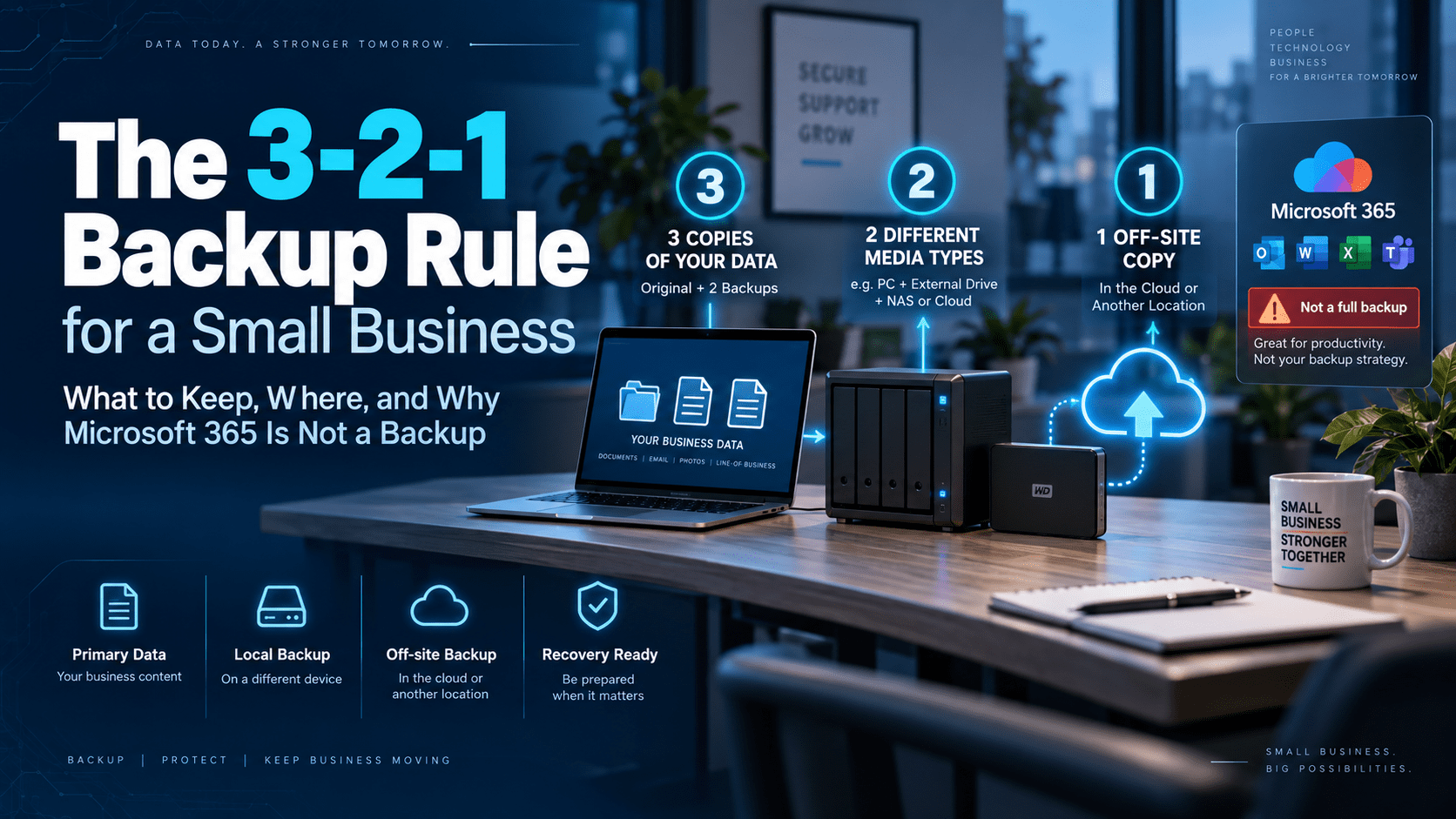
Ask a business owner whether they have backups and most say yes. Ask where the backup is and the answer is usually “the cloud”, meaning Microsoft 365 or Google Workspace. That is where the data lives. It is not a backup of it. Ransomware, a deleted mailbox and a disgruntled ex-employee with admin rights all reach the cloud copy just fine.
This is the 3-2-1 rule applied to a small Gold Coast business in 2026: what to keep, where, and how to know it will restore.
3-2-1, in one table
The rule is old and it still holds because each number defends against a different failure. Three copies covers a corrupt file. Two media covers a dead disk. One off site covers the building, and the attacker who is already inside it.
The Microsoft 365 trap
Microsoft keeps your data available. It does not promise to keep it recoverable, and its own service agreement recommends third-party backup. What you get by default:
| What happened | Built-in safety net | Where it fails |
|---|---|---|
| Someone deleted a file in SharePoint or OneDrive | Recycle bin, 93 days across two stages. | Day 94, it is gone. Nobody notices the missing contract until the client asks for it four months later. |
| Someone deleted an email | Deleted Items, then Recoverable Items for 14 days by default, extendable to 30. | Emptied Deleted Items plus a fortnight. Shorter than most people assume. |
| A staff member left and you removed the licence | The mailbox and OneDrive are kept for 30 days after the account is deleted. | Day 31, the mailbox is gone. A common way to lose six years of a bookkeeper’s correspondence. |
| Ransomware encrypted the shared drive | OneDrive and SharePoint version history; the Files Restore rollback covers 30 days. | Works if you catch it inside 30 days and the attacker did not also purge version history, which the current ransomware kits do when they have admin. |
| An attacker with the admin account | None. Admin can delete users, empty recycle bins and remove retention policies. | This is the scenario that ends businesses. The only defence is a copy Microsoft’s admin role cannot touch. |
Retention policies are not backups either. A retention policy in Purview stops deletion for a set period, which helps with the first three rows. It lives inside the same tenant, under the same admin, and it does nothing if the tenant is locked out, the subscription lapses, or you need a copy from a specific Tuesday in March.
What to use instead
A separate backup of Exchange, OneDrive, SharePoint and Teams, run daily to storage you control. Microsoft now sells its own Microsoft 365 Backup, priced per gigabyte, which restores fast and covers the deletion cases; it still sits under the same tenant and the same admin. Third-party options such as Veeam, Dropsuite, Datto SaaS Protection and Synology Active Backup for Microsoft 365 copy the data out of Microsoft’s estate altogether. Synology’s is free with the NAS and suits most businesses under 30 staff. Whichever you pick, the tenant admin account and the backup admin account should be different people with different passwords.
A working layout for a small business
Ten to forty staff, a server or a NAS, Microsoft 365, a line-of-business application with its own database. Here is a layout we install.
Copy 1: the NAS in the comms cabinet
A Synology with two or four drives in RAID. It receives the Microsoft 365 backup nightly, image backups of the server and any machine that matters, and snapshots of its own shares every hour. Snapshots are immutable, so ransomware that hits the shares cannot rewrite last night’s copy. Fast local restore: a deleted folder is back in minutes.
Copy 2: object storage off site
The NAS replicates to Backblaze B2, Wasabi or an Australian-hosted S3 bucket with object lock turned on, so nothing in the bucket can be altered or deleted for the retention period, even by the account that wrote it. Costs a few dollars per hundred gigabytes per month. Slow to pull a full server back, which is fine, because that is the fire-and-flood copy.
Copy 3: the drive in the drawer
An encrypted USB drive that copies the NAS weekly and goes home with the owner, rotated with a second drive. Unfashionable and unbeatable: nothing on the internet can reach a drive that is unplugged. This is the copy that survives the scenario where every account you own is compromised at once.
The application database
The practice management, accounting or job-tracking system has its own export or dump. Schedule it nightly to a folder the NAS backs up. A disk image of a running database server does not always give you a consistent database back; the application’s own backup does.
How far back, how often
Two numbers decide the design, and the business continuity article covers them in more depth. The recovery point is how much work you can afford to lose: for most offices, one day, so nightly backups. For a busy practice taking bookings all day, an hour, so hourly snapshots on the NAS. The recovery time is how long you can be down: a day means restoring to new hardware from the cloud copy is acceptable; two hours means the NAS needs to be able to boot the server image itself while you wait for parts.
Retention is the other question. Keep daily copies for a month, weekly for three months, monthly for a year, and one yearly copy for as long as the tax office and your industry regulator require, which for most Australian businesses is seven years. Ransomware crews now sit in a network for weeks before they encrypt anything, so a backup set that only goes back 14 days may contain nothing but already-infected copies.
Test it or it does not exist
Backups we have been called to that had not worked in months
| × | The job that reported success every night while backing up an empty folder, because someone moved the data to a new share in 2024. |
| × | The external drive that filled up eighteen months ago and had been silently skipping every run since. The software emailed an alert to an address nobody checked. |
| × | The cloud backup with the password nobody had. The person who set it up left. The encryption key was in his head. The data was safe and unreachable. |
| × | The NAS in the same rack as the server, both encrypted on the same night because the backup share was mapped as a drive letter on the infected machine with write access. |
| × | The Microsoft 365 tenant with retention policies and nothing else, after the owner’s account was phished and the attacker spent a weekend deleting. |
Once a quarter, restore something. Pick a file from three weeks ago and get it back from the cloud copy, not the NAS. Once a year, restore the whole server image to spare hardware or a virtual machine and boot it. Write down how long each one took. If the answer is longer than your recovery time, the design needs work, and finding that out on a Tuesday afternoon is cheaper than finding out during an incident.
Automate the boring part. Backup software that emails a report every morning is only useful if someone reads it, so route the failure alerts to a ticketing system or a monitoring service that nags until it is acknowledged. Under a Managed IT contract, that someone is us.
Need a hand?
Backups that have been restored from, not just configured
We set up the NAS, the off-site copy and the Microsoft 365 backup, separate the admin accounts, and run the quarterly restore test as part of your Managed IT contract. If the backup you have now has never been tested, start with a free check of what it actually contains.